Step-by-Step Guide
Parent: View Alerts and Announcements
Learn how to navigate to view alerts and announcements. This guide walks you through how to view alerts and announcements shared by your child's teacher or school on the Rise for Edu platform, keeping you informed of any important updates.
Navigate to www.riseforedu.com
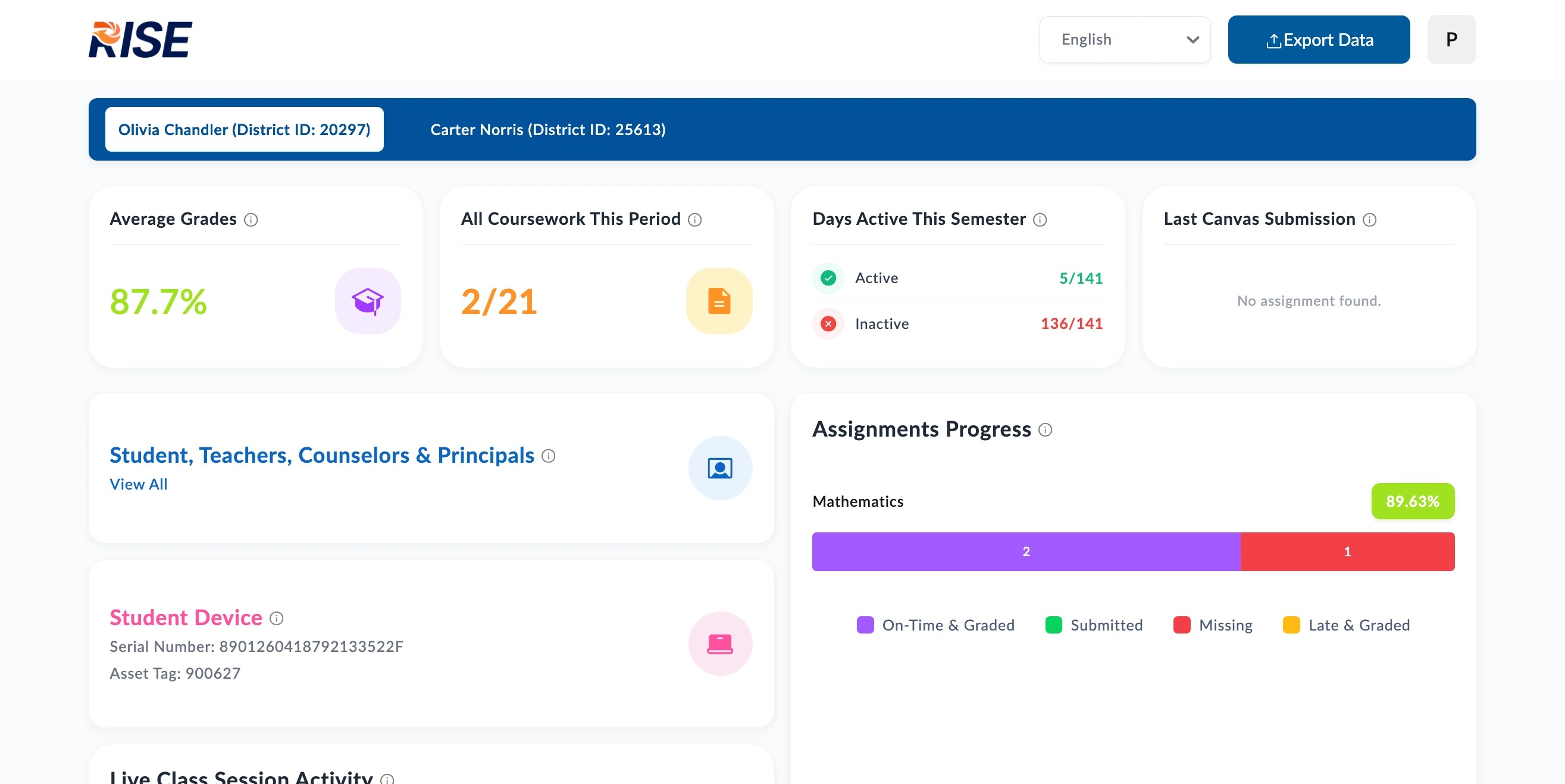
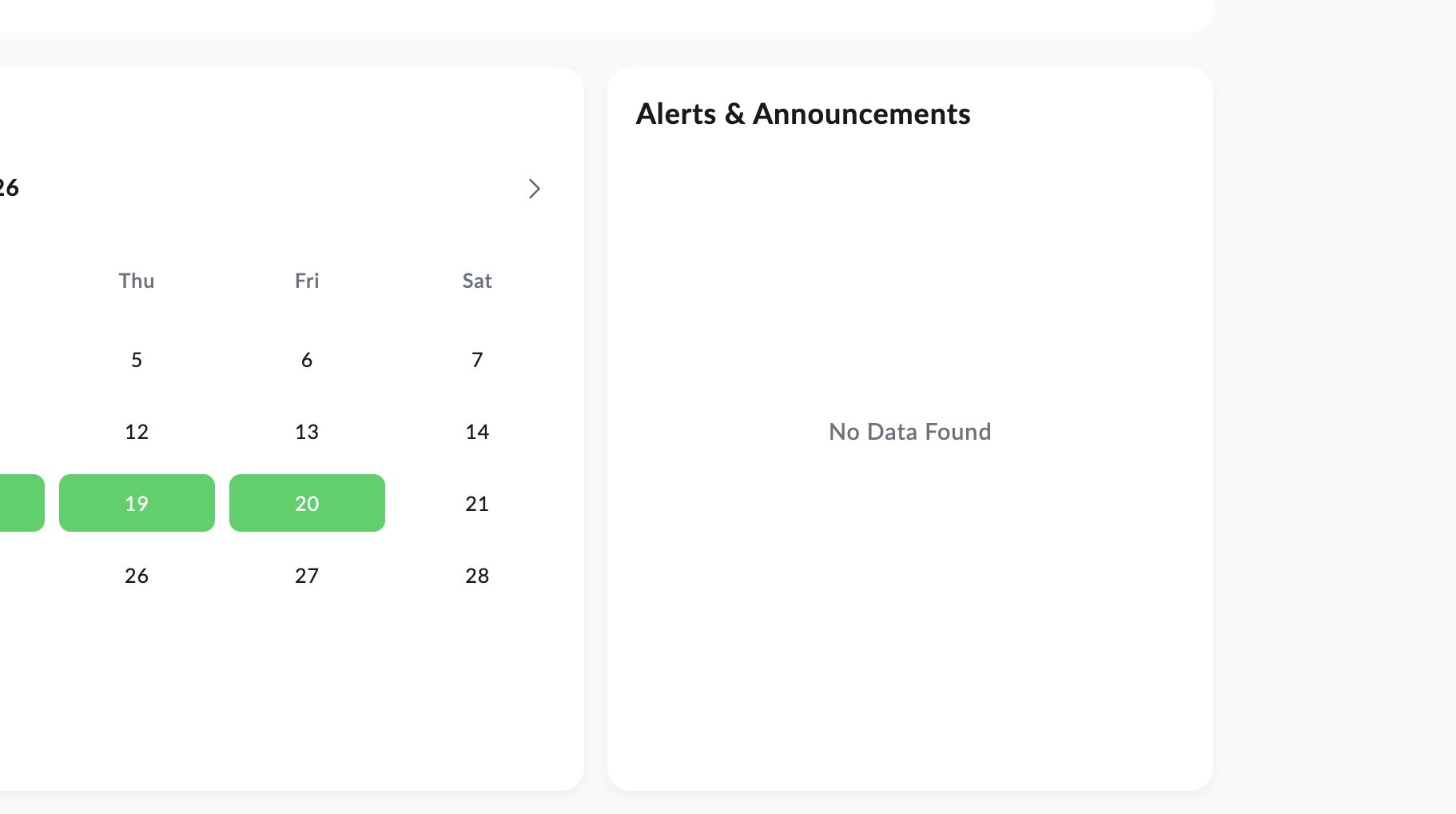
Scroll down to the Alerts and Announcements section to view any alerts or announcements posted by your child's teacher or school.
📋
End of guide
Now follow these steps in the other application.