Step-by-Step Guide
Parent: View Assignment Progress per Course
This guide walks you through how to view your child's progress across their coursework and assignments. You'll learn how to navigate to and access detailed performance data for each of their courses.
Navigate to www.riseforedu.com
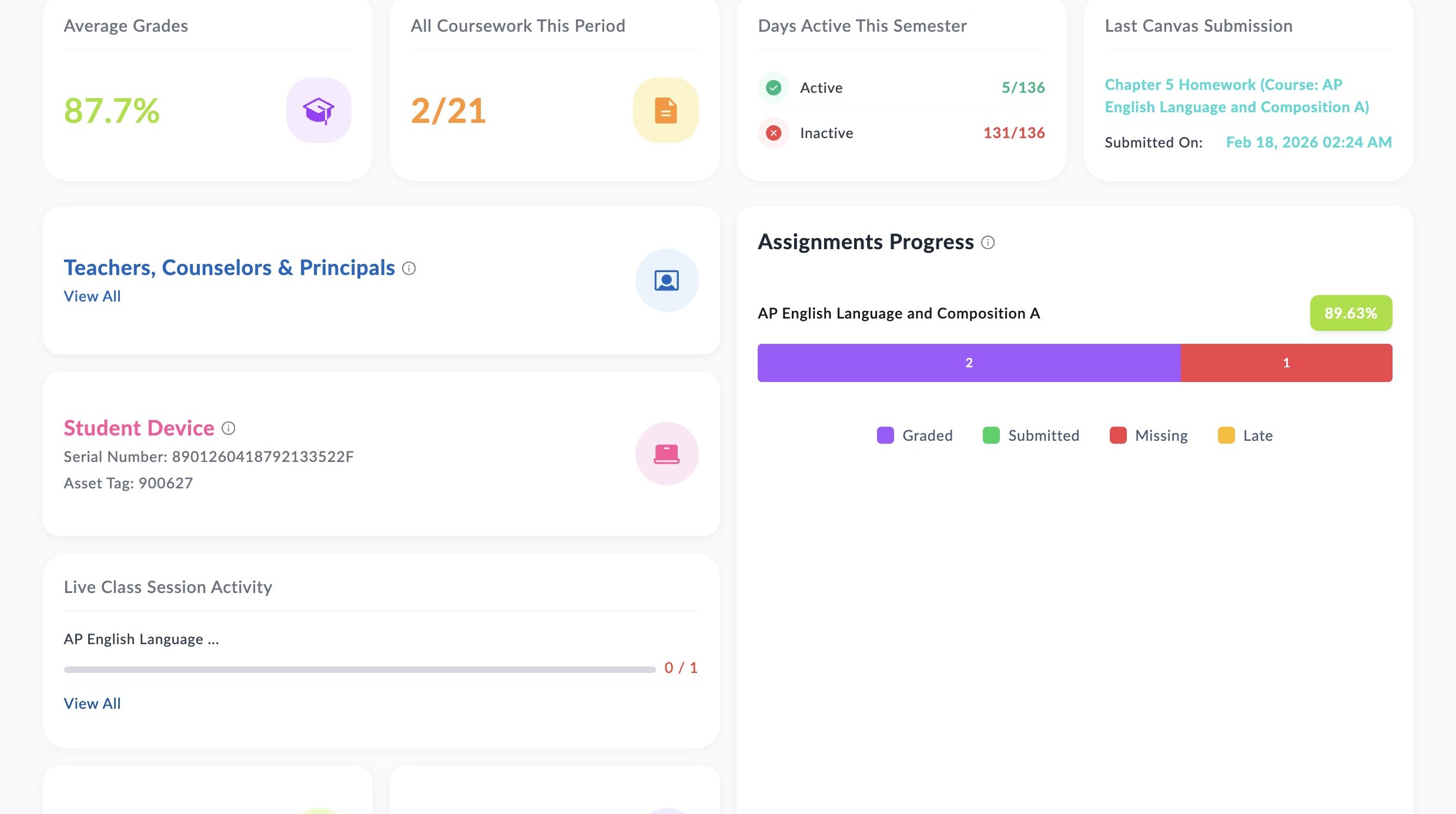
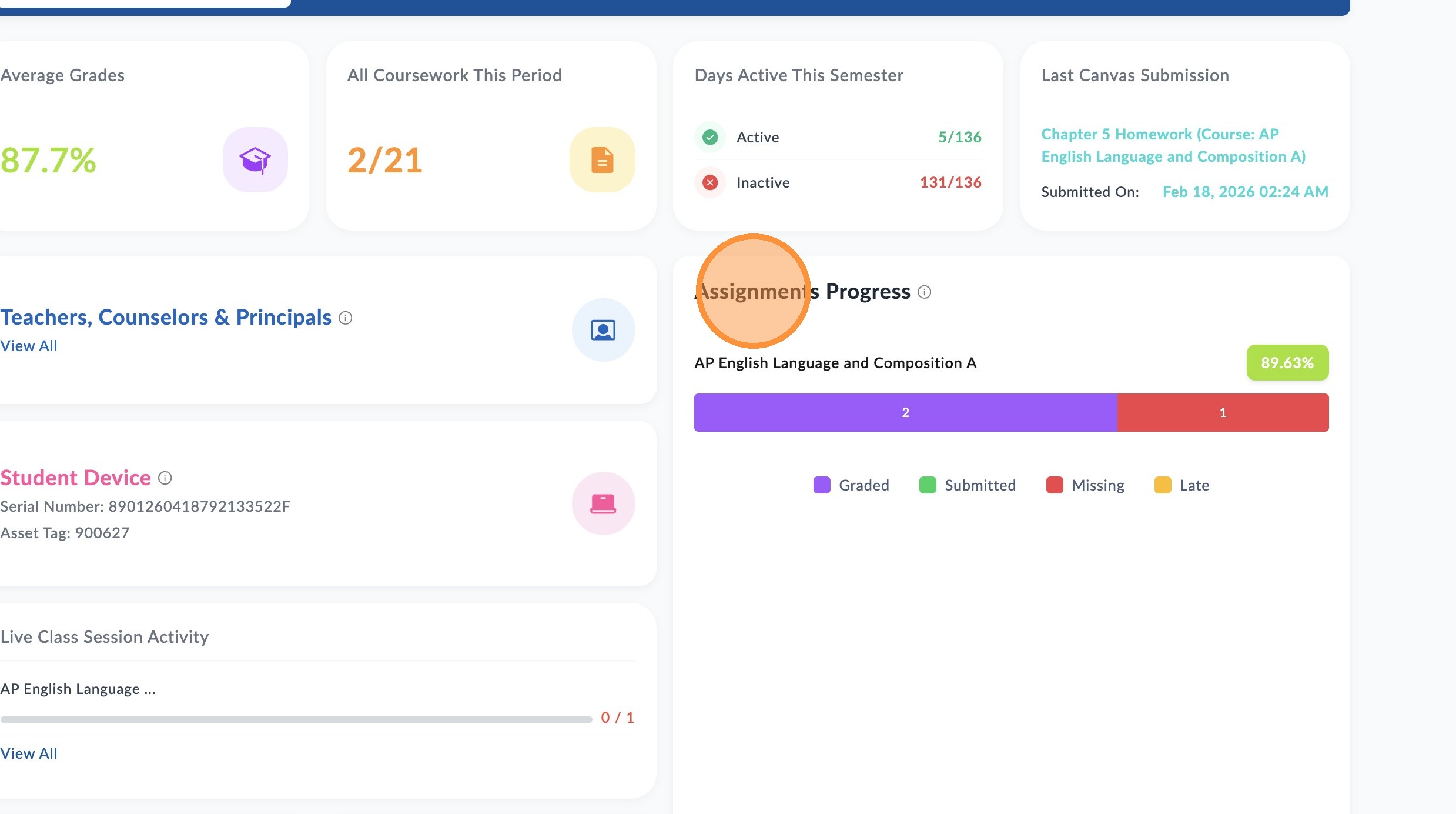
Scroll to "Assignments Progress"
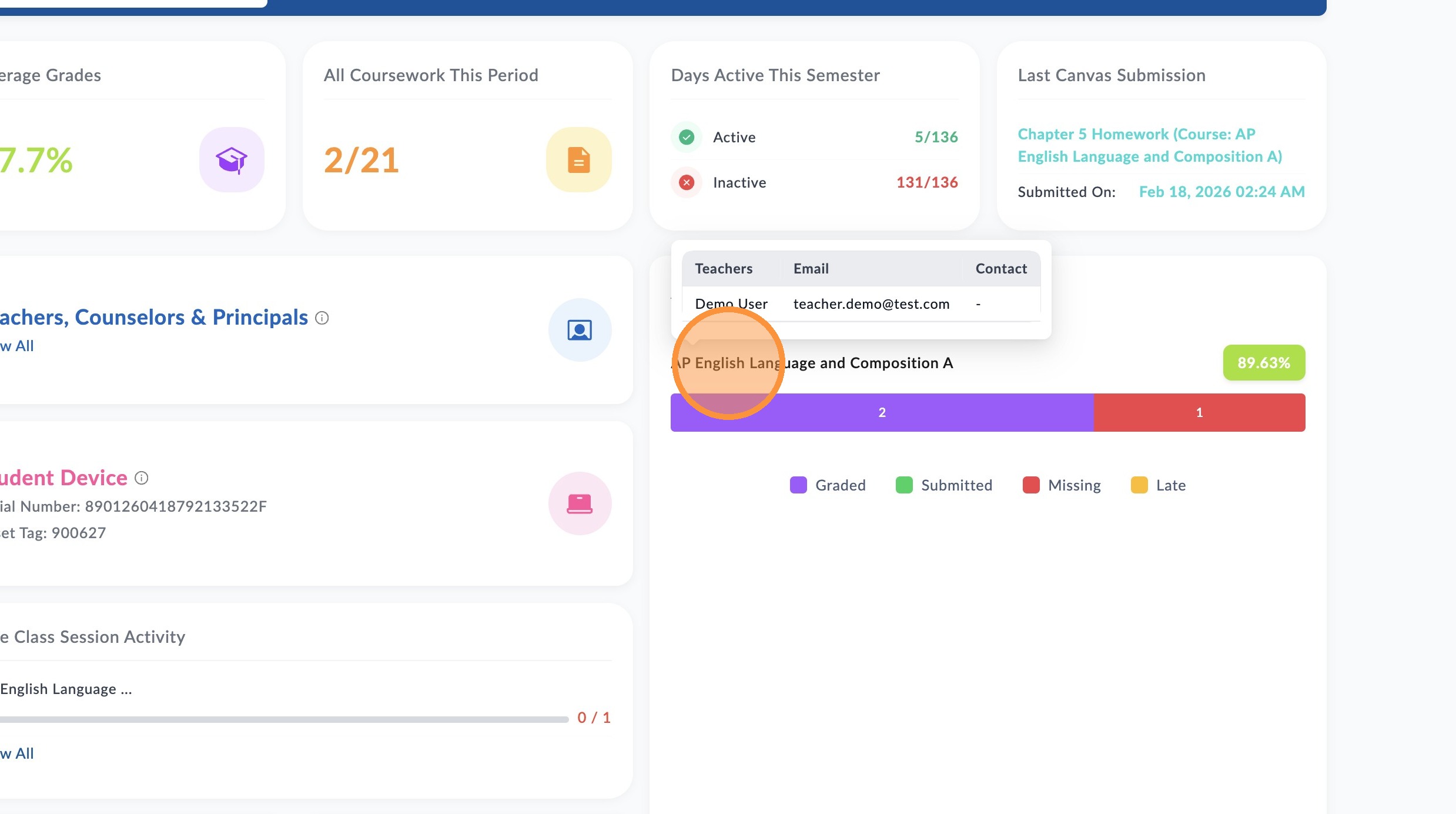
Hover over the course title to view the teacher's information and additional info for that course.
This is the current grade average for this course. Hover over the grade to see grade letter value..
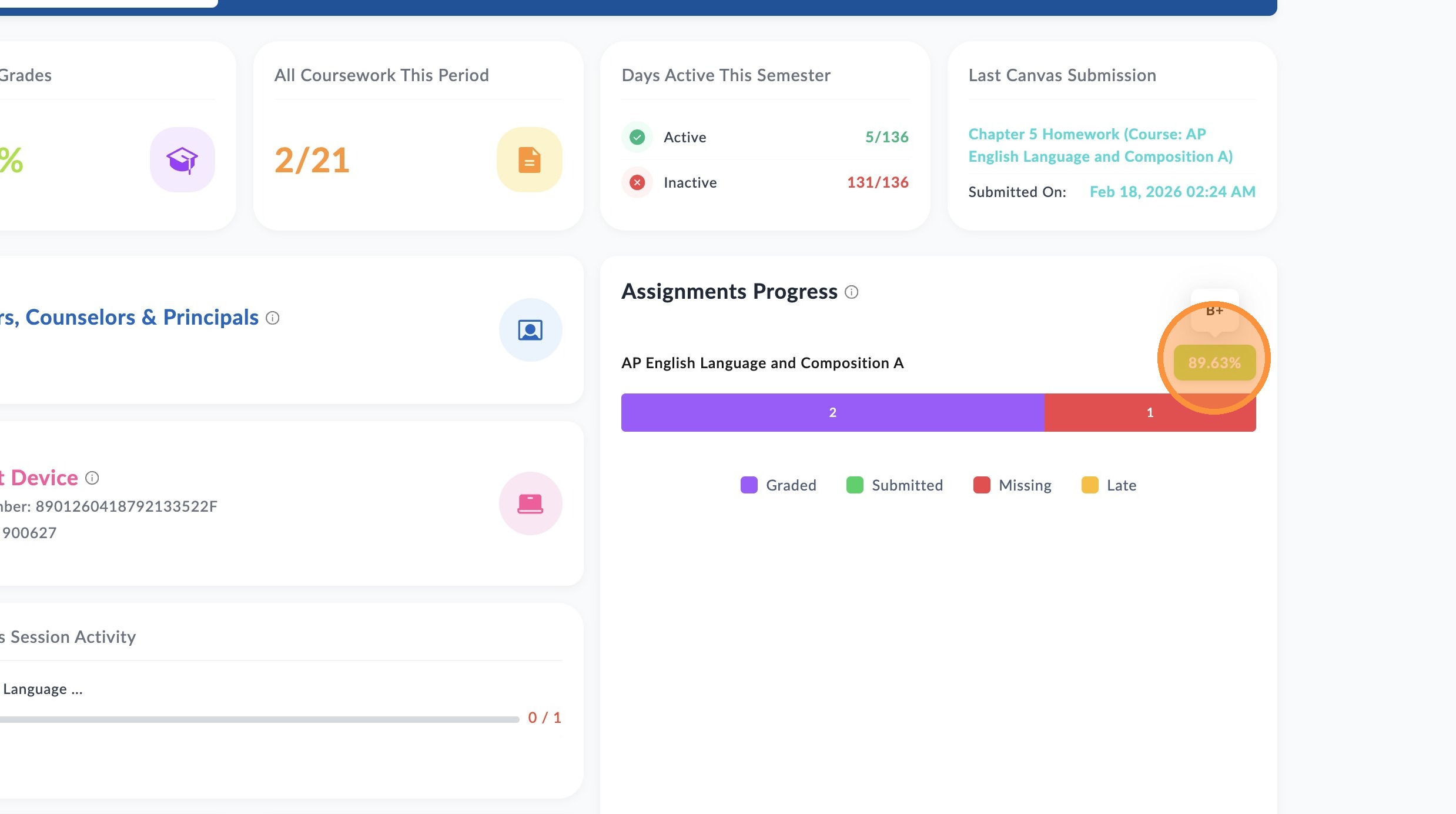
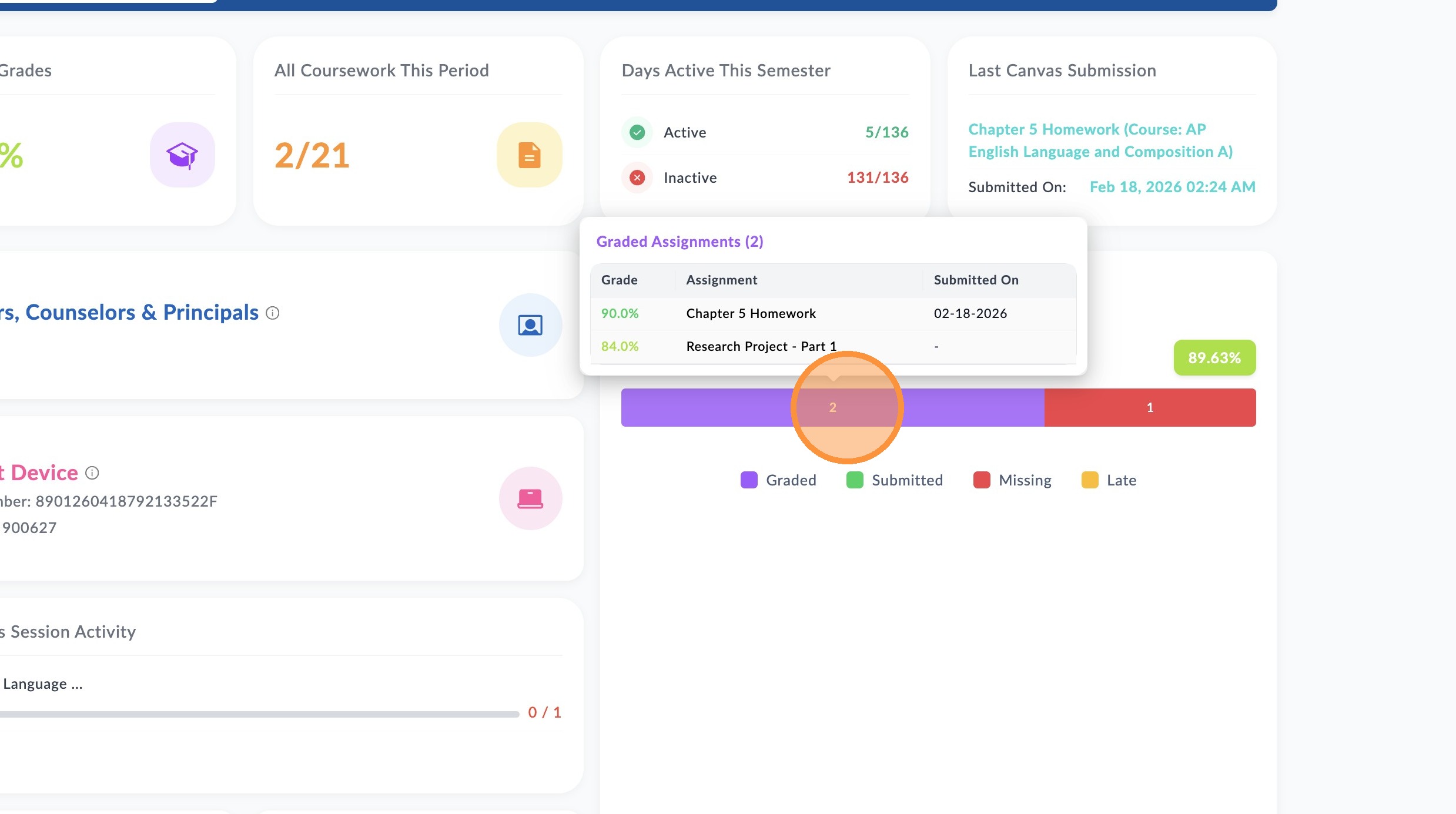
Hover over each colored section of the chart to view assignments by status. The purple section shows on-time & graded assignment submissions, green shows submitted assignments awaiting to be graded by teacher, red shows missing assignments that are past the original due date but can still be completed for credit, and yellow shows late & graded assignments submitted. Hovering over each section will display the details of the specific assignments within that category.