Step-by-Step Guide
Parent: View Last Assignment Submission Details
Learn how to access and view the details of the last submission made on Canvas. This guide gives you a quick overview of the information available at a glance and how to find it.
Navigate to www.riseforedu.com
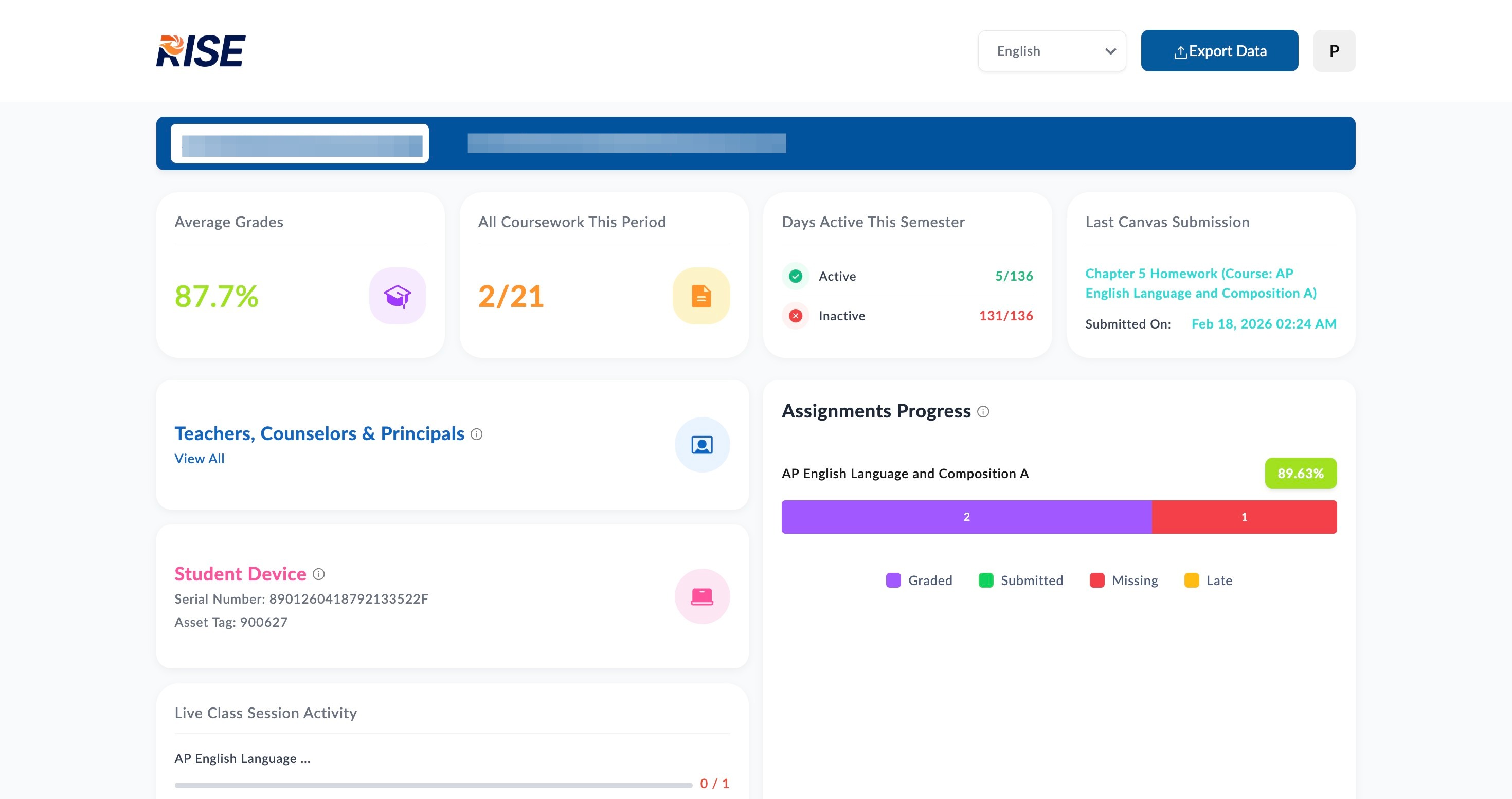
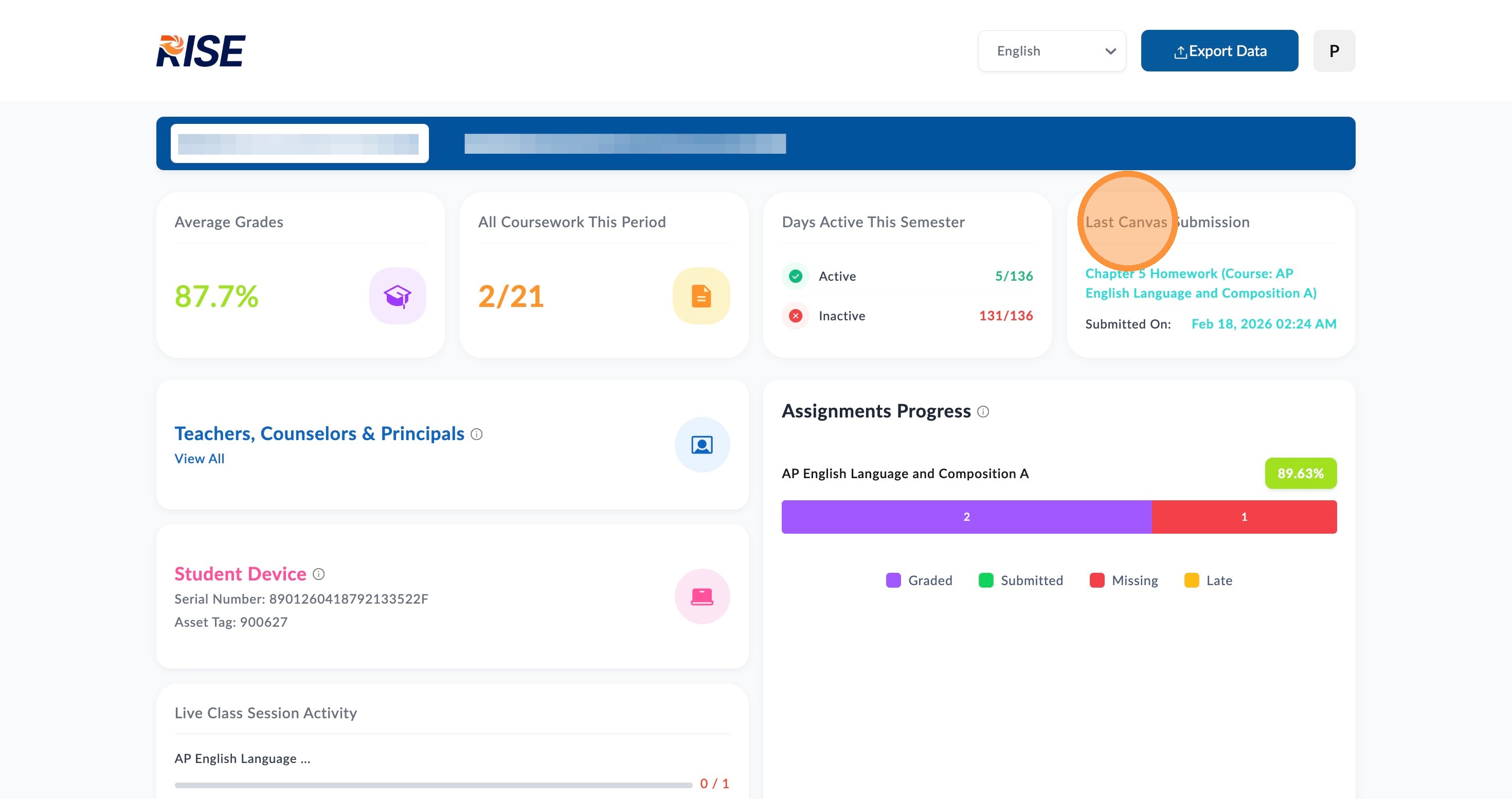
This box, labeled Last Canvas Submission, displays the details of your child's most recently submitted assignment, including the submission date and time.
📋
End of guide
Now follow these steps in the other application.