Step-by-Step Guide
Parent: View Live Class Session Activity
Learn how to access and view the live class session activity for your child on Rise for Edu. This guide will walk you through the simple steps to navigate the platform and find the activity details.
Navigate to www.riseforedu.com
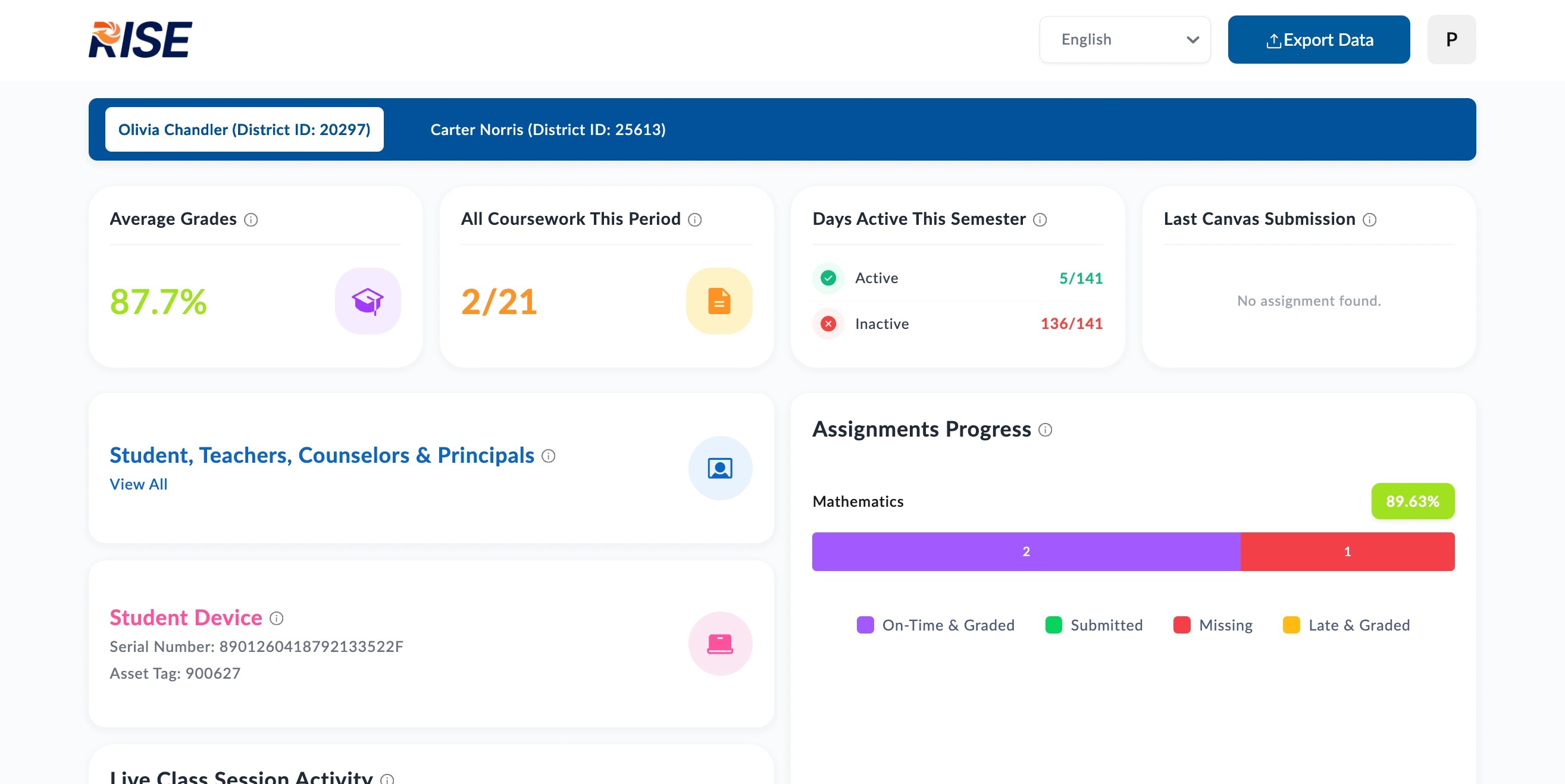
Scroll down to "Live Class Session Activity"
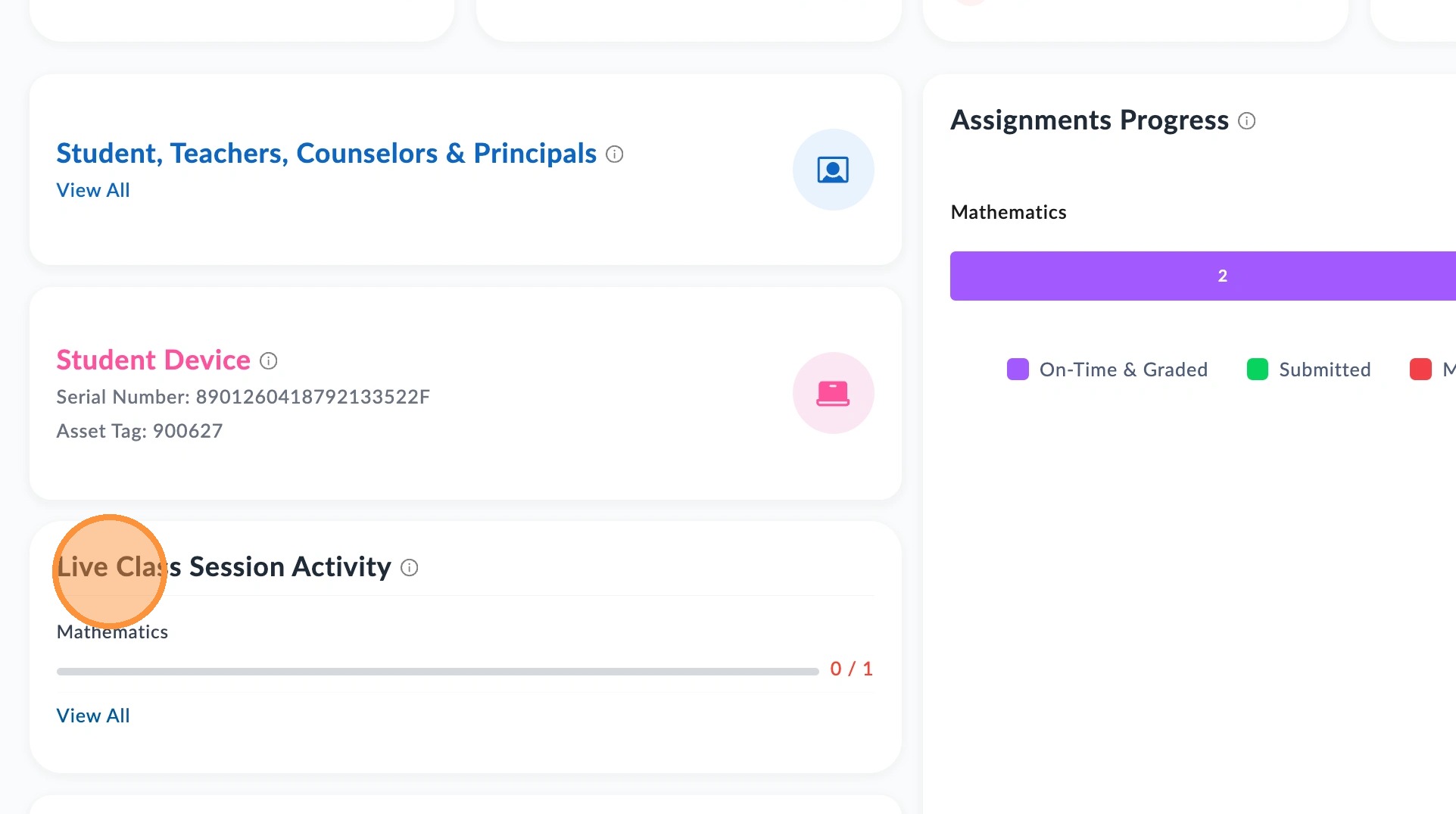
Click View All
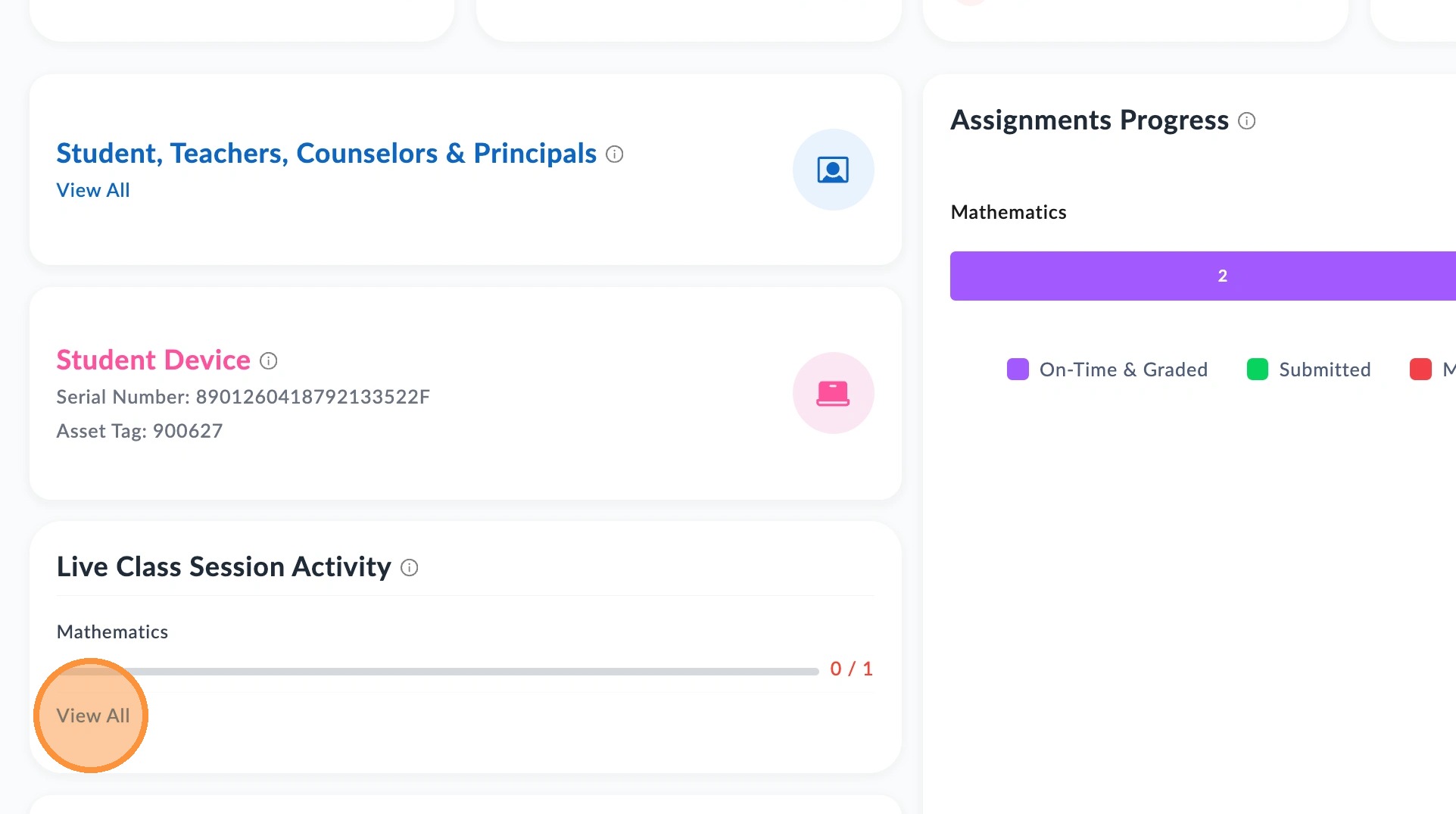
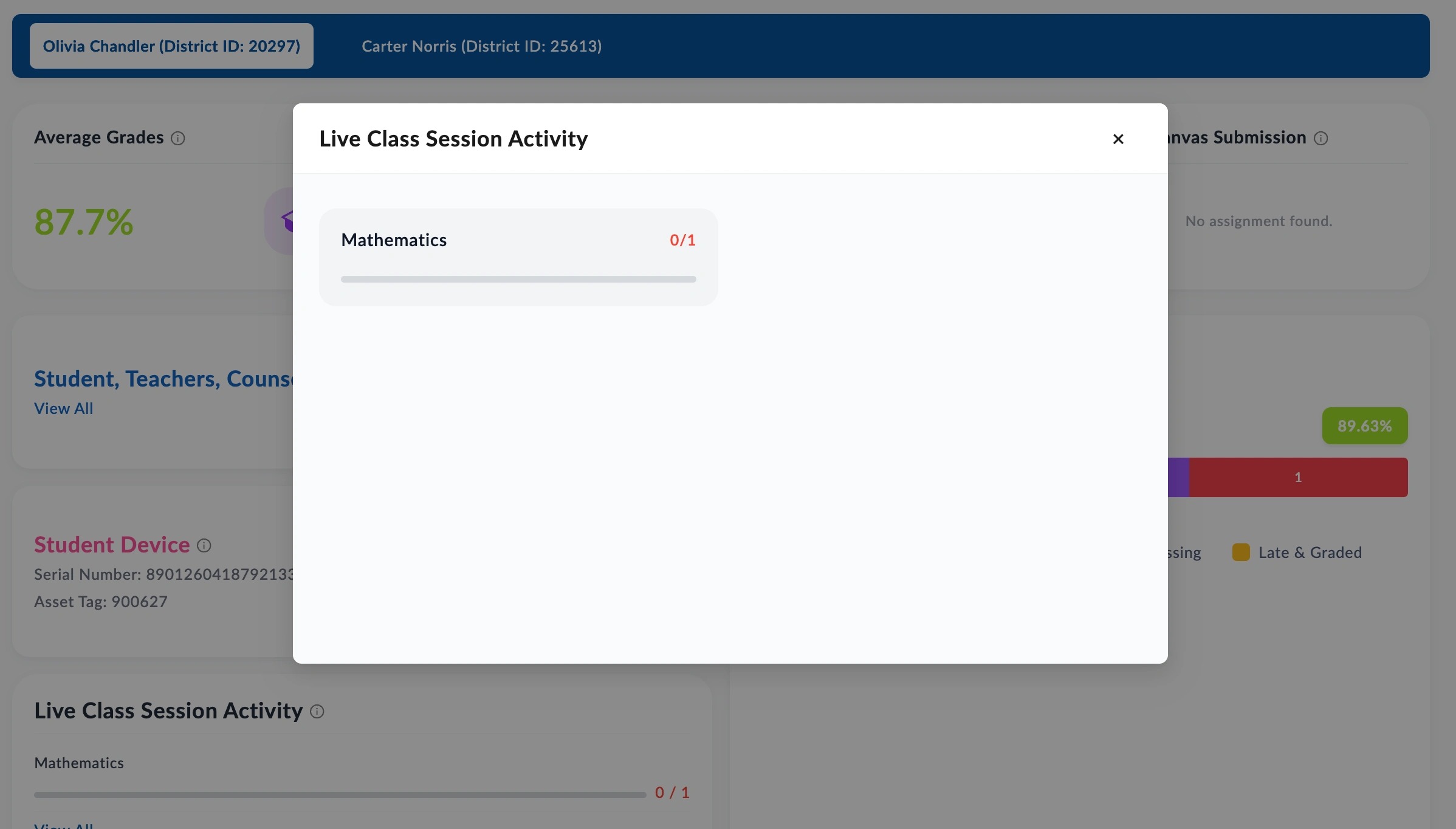
This field shows how many live class sessions your child has attended for each of their classes that offer a live session option.
📋
End of guide
Now follow these steps in the other application.