Step-by-Step Guide
Parent: How to Raise a Ticket
Learn how to quickly raise a support ticket to your child's school admin/IT team on Rise For Edu. This guide will walk you through the simple steps to submit your issue and get the support you need.
Navigate to www.riseforedu.com
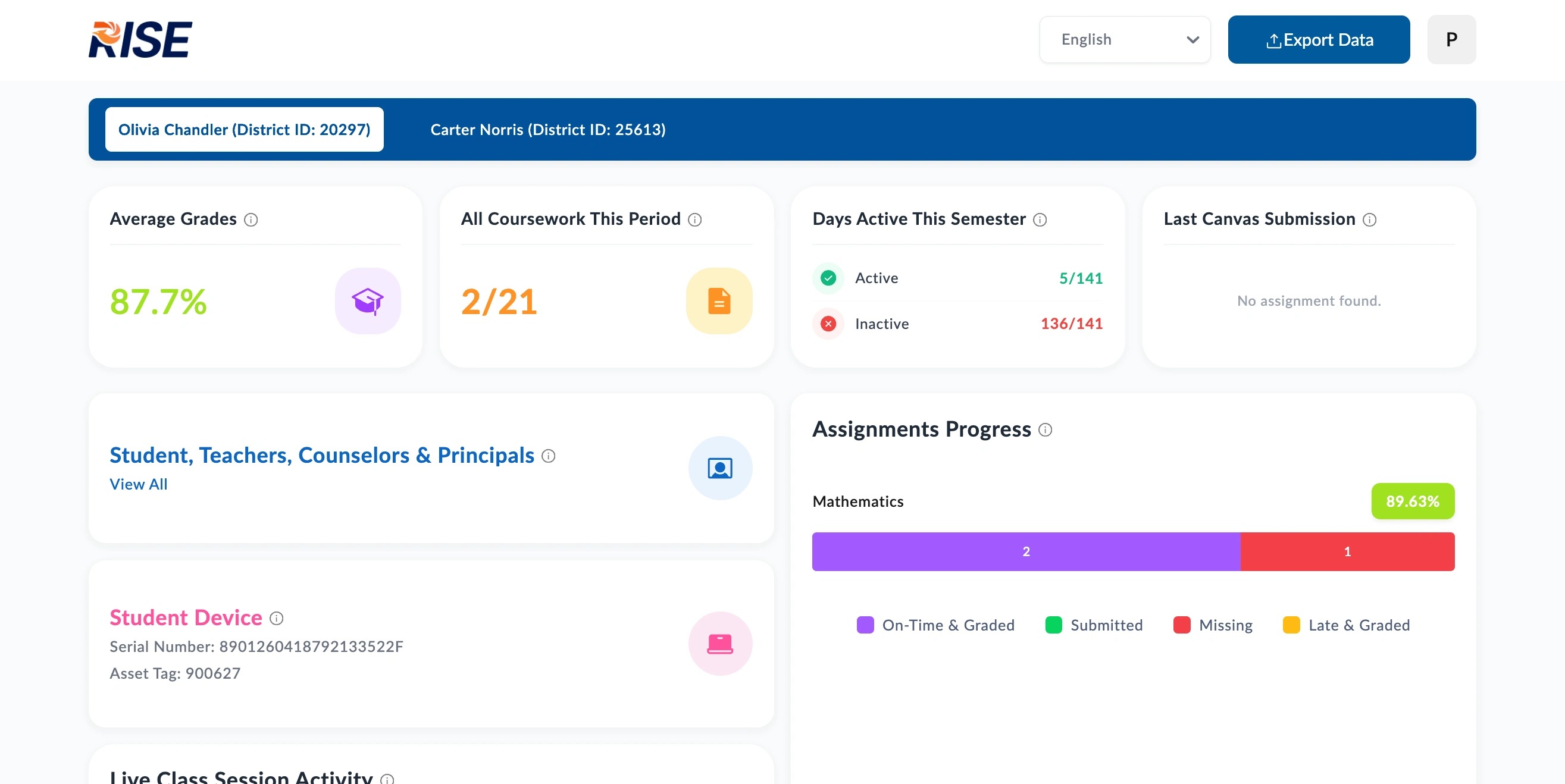
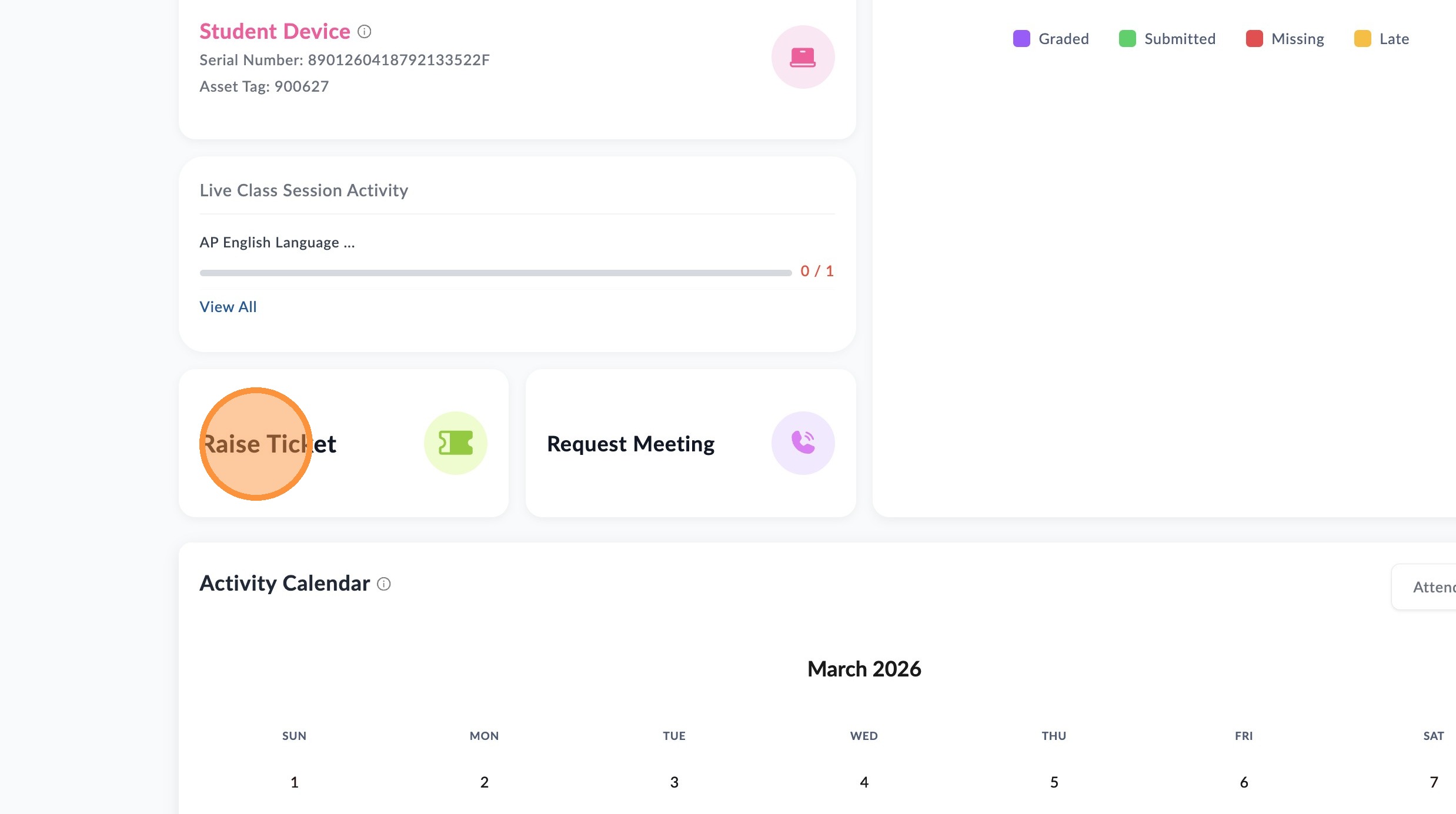
Scroll down and click "Raise Ticket".
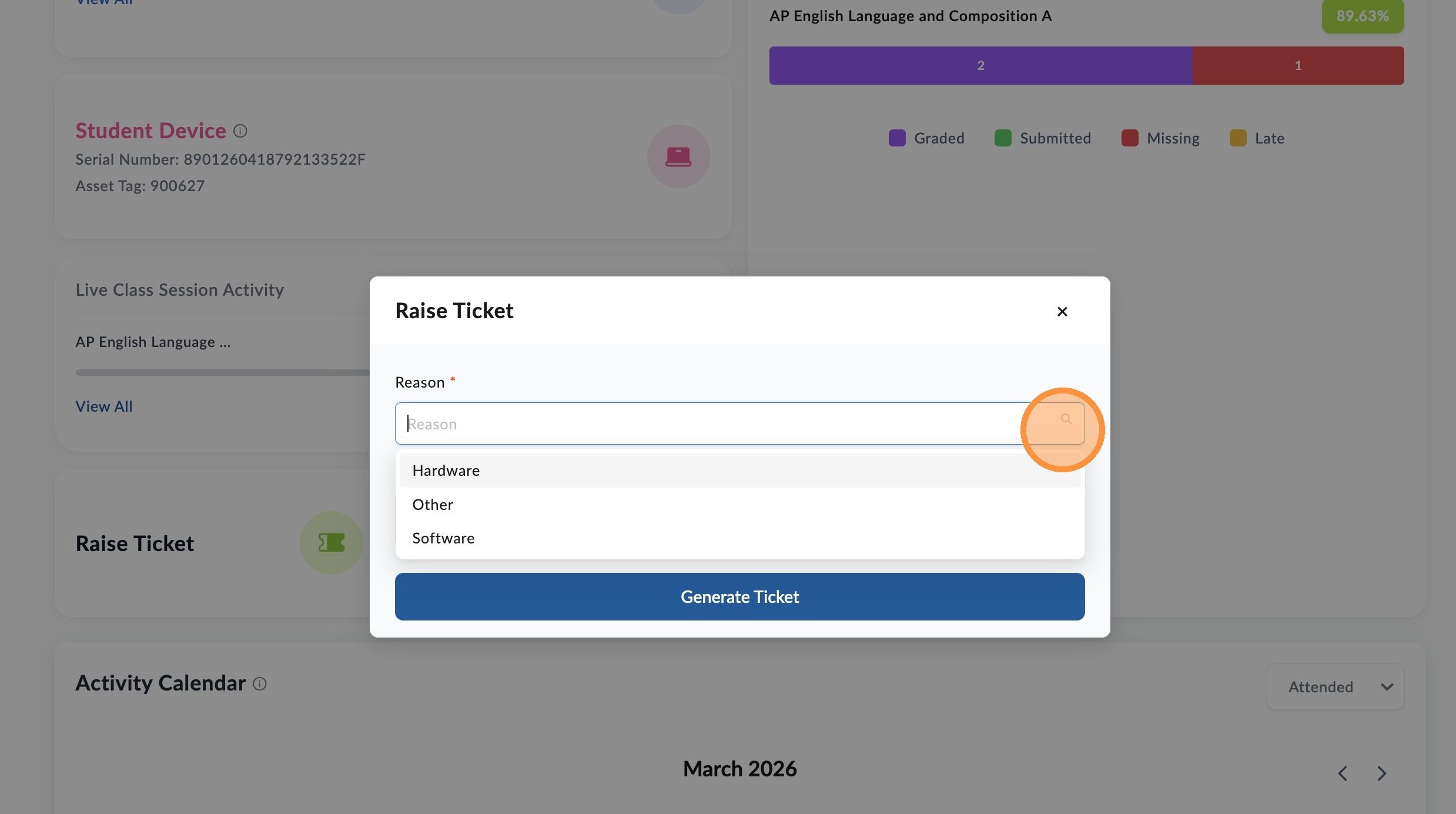
Click dropdown arrow to select "Reason".
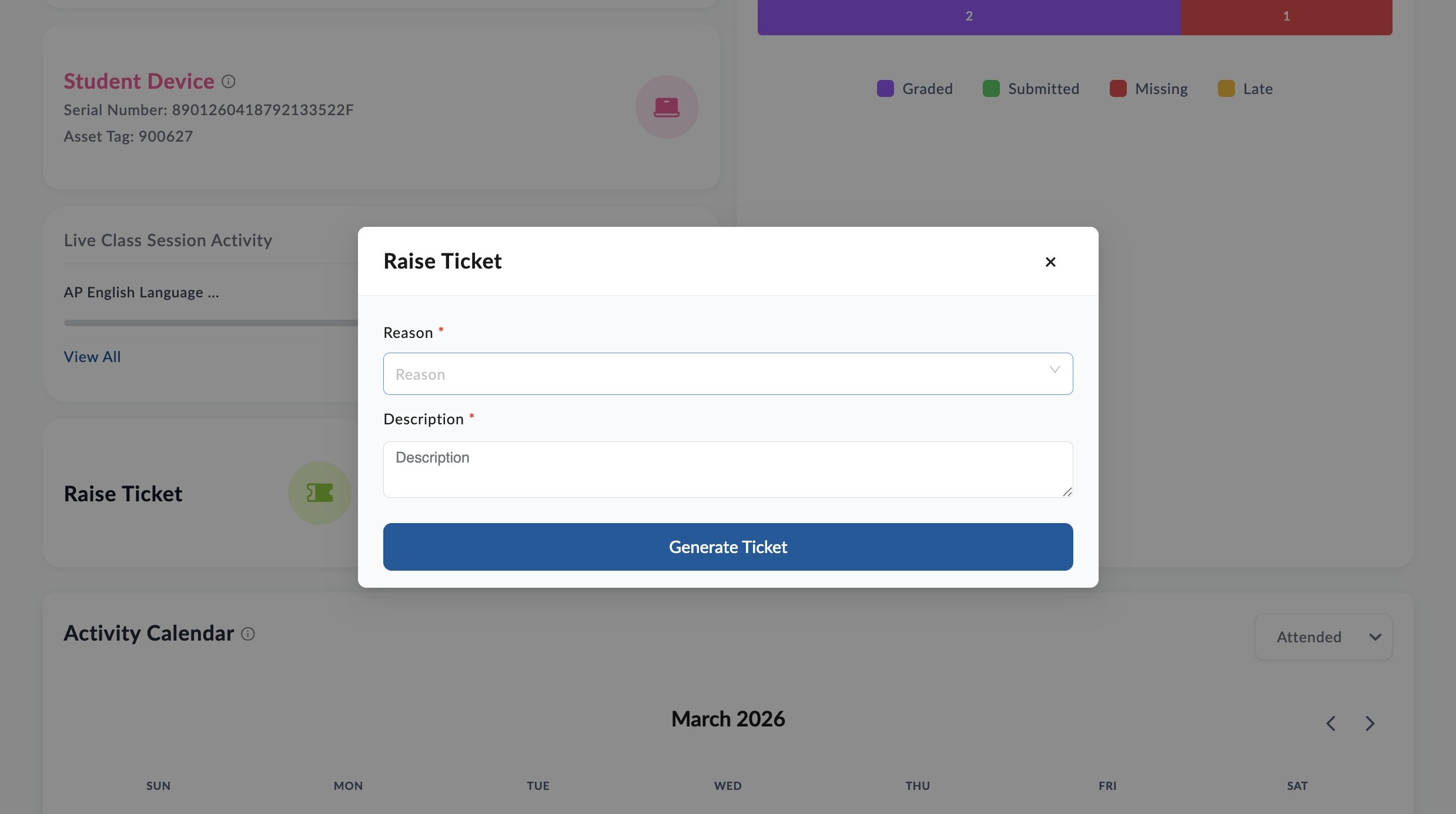
Enter message in description field and click "Generate Ticket" to send ticket.
From here you will receive updates on this request from your school via email or phone based on your communication preferences.
📋
End of guide
Now follow these steps in the other application.