Step-by-Step Guide
Parent: Request a Meeting with a Teacher
Learn how to schedule a meeting with a teacher through the Rise for Edu platform. This guide walks you through the process of requesting a meeting, selecting the relevant course, and specifying the reason for your request.
Navigate to www.riseforedu.com
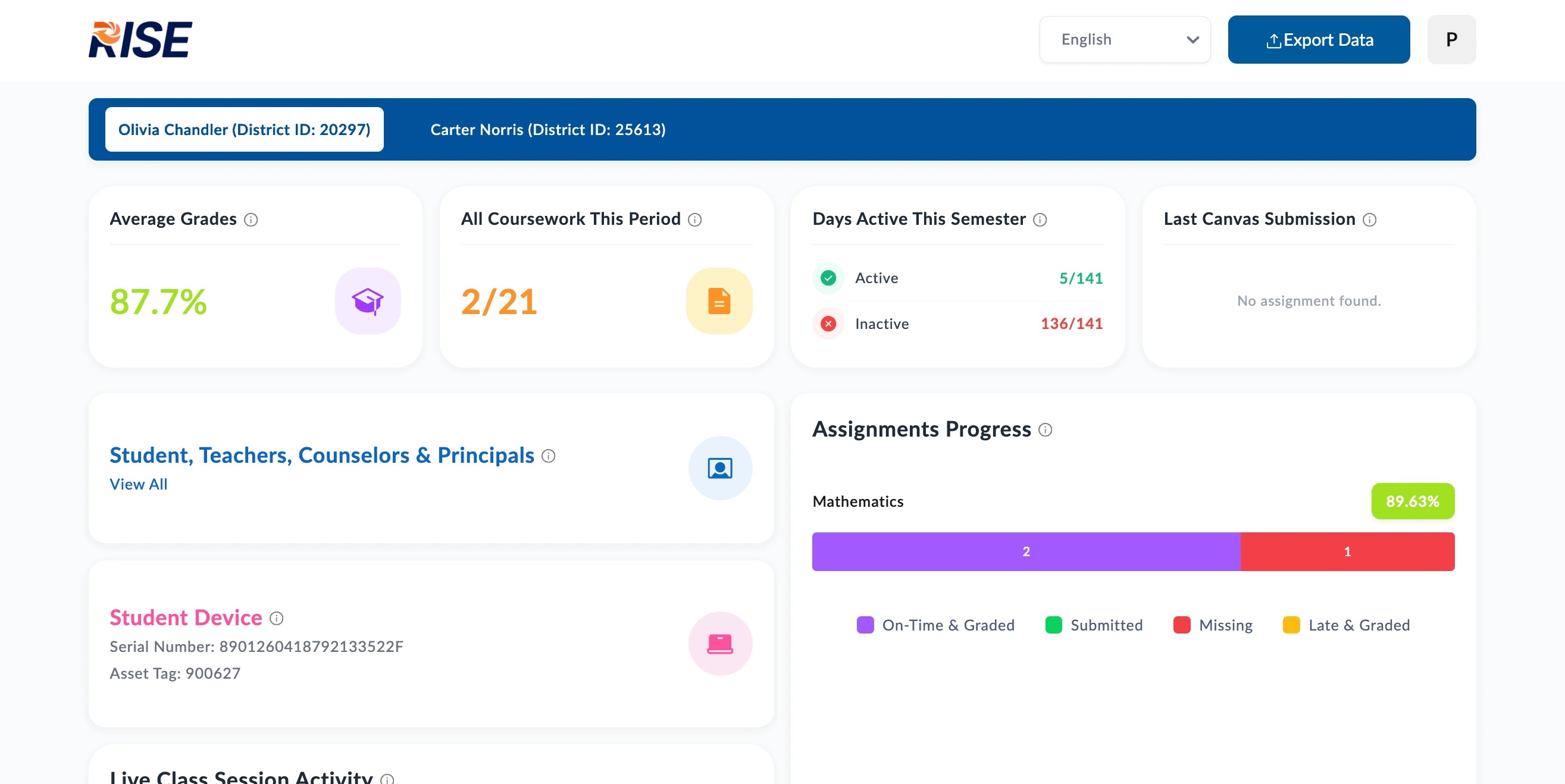
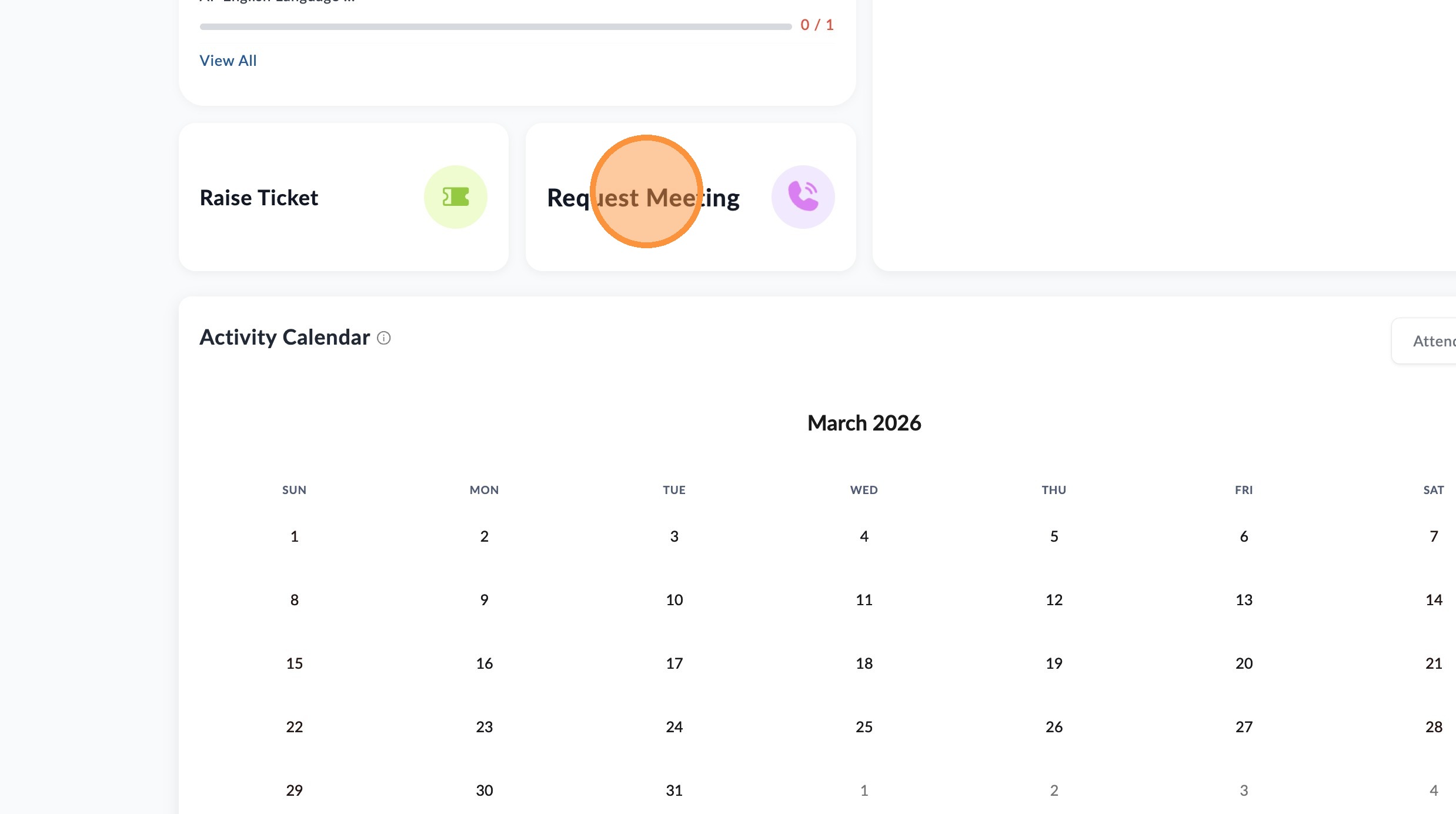
Scroll down and click "Request Meeting"
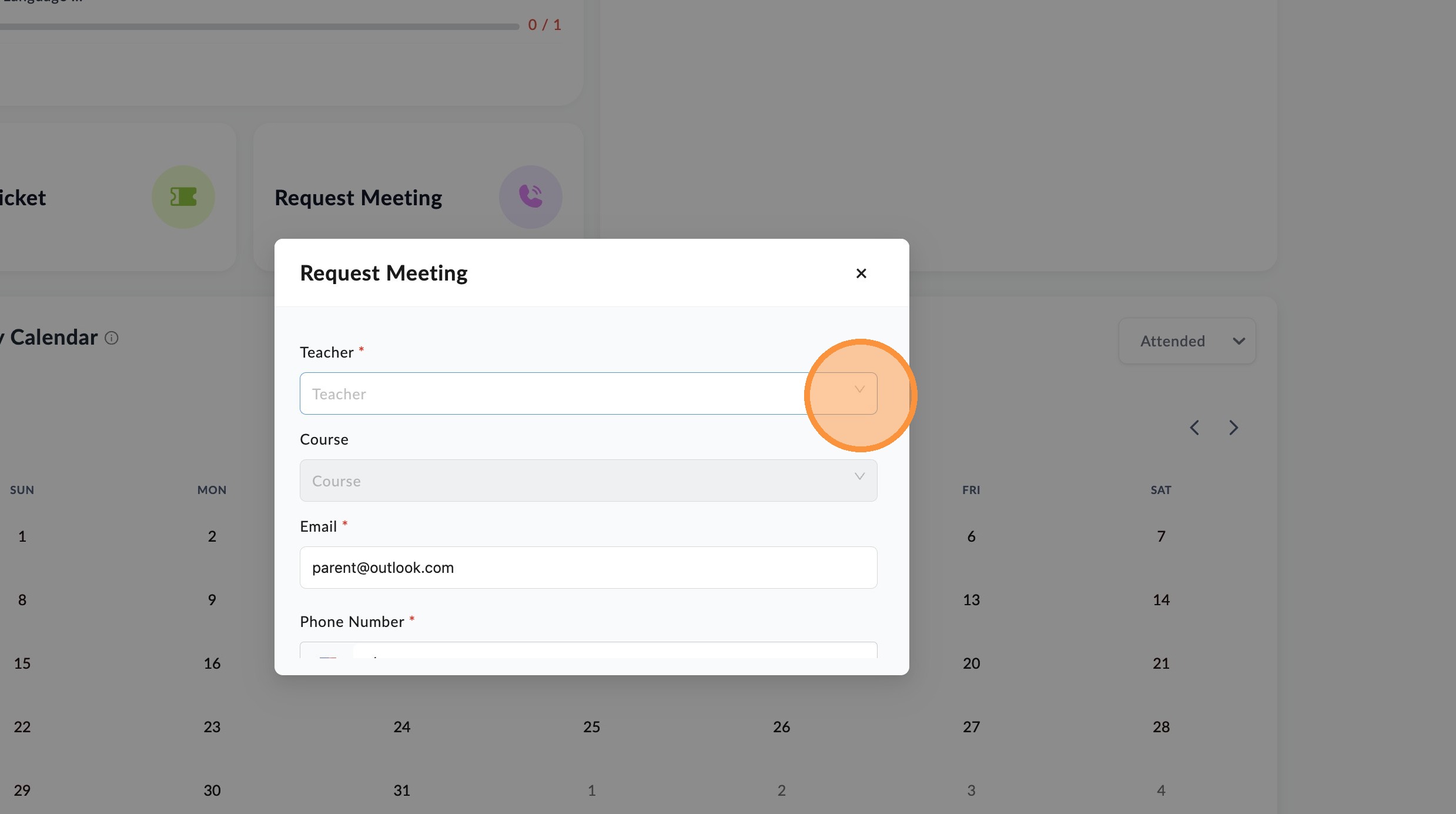
Click the teacher dropdown arrow and select the teacher you would like to contact.
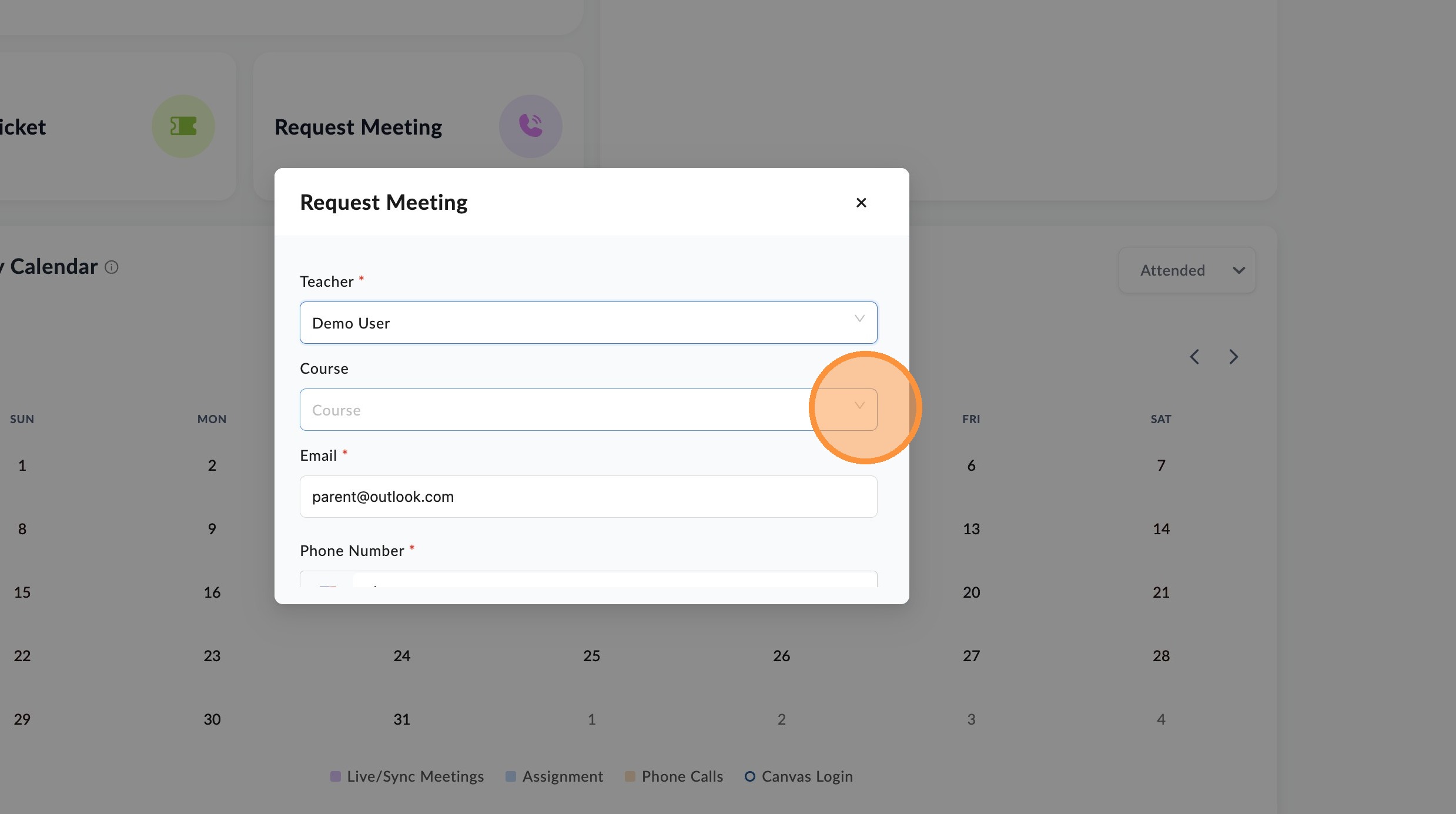
Click the course dropdown arrow and select specific course.
Scroll down and add contact email and phone number.
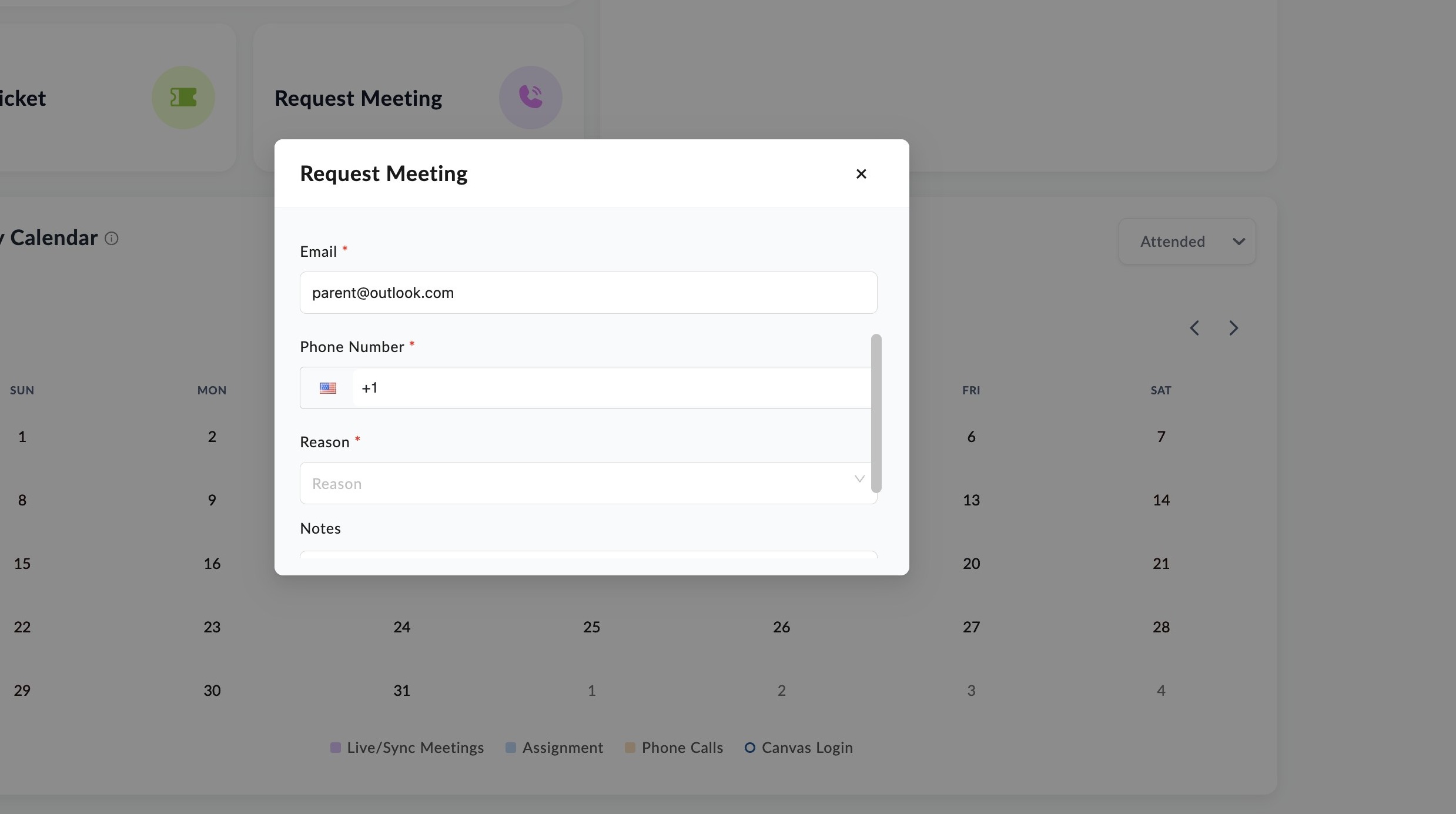
Click the reason dropdown arrow and select the specific reason for contact."
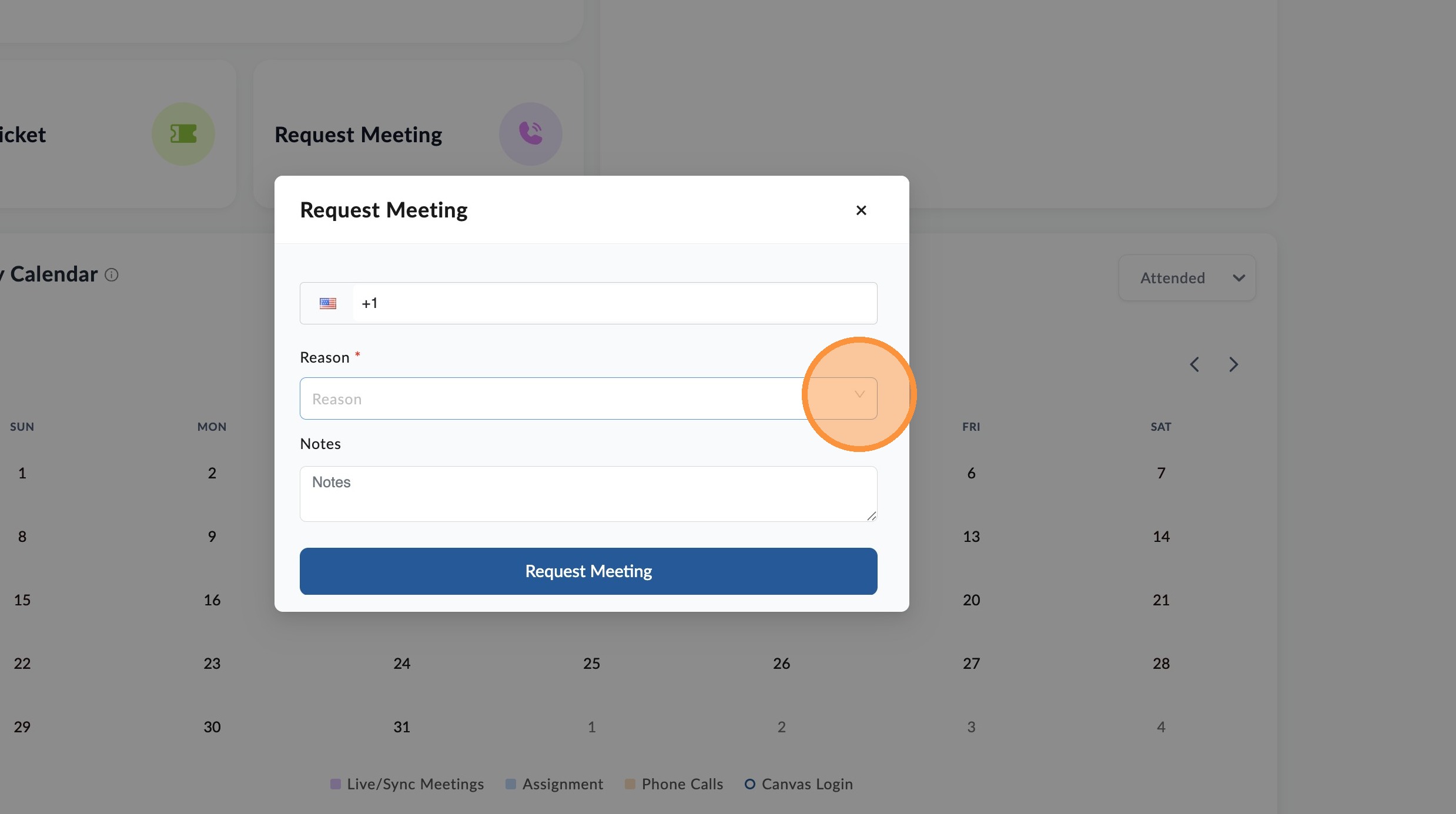
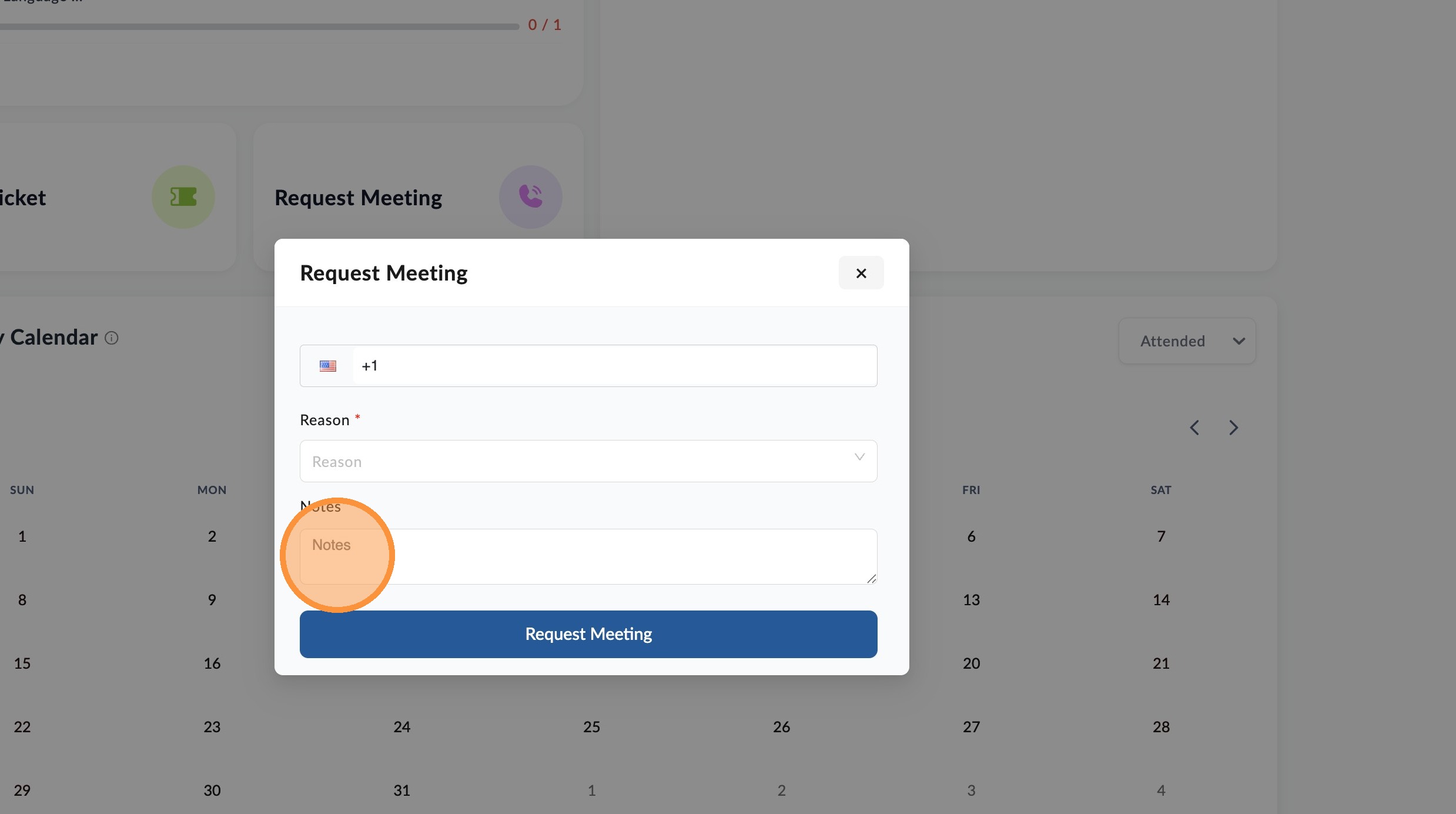
Add message in note field and click "Request Meeting" to send meeting request to teacher."
📋
End of guide
Now follow these steps in the other application.