Step-by-Step Guide
Parent: View Monthly Heatmap
This guide walks you through how to view your child's monthly activity heatmap on the Rise for Edu platform, giving you a visual overview of their activity and engagement throughout the month.
Navigate to www.riseforedu.com
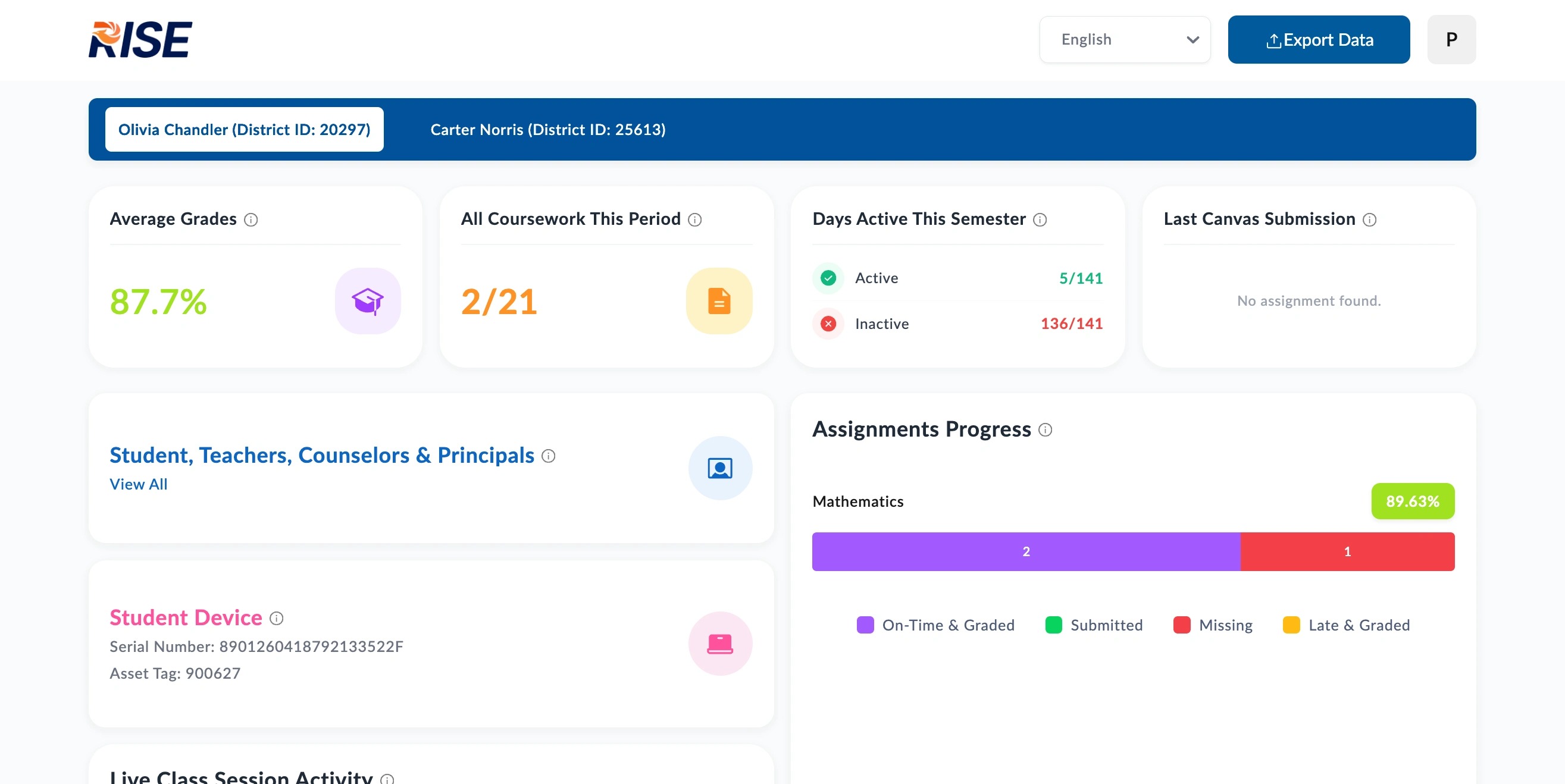
Scroll down to "Activity Heatmap (Monthly)".
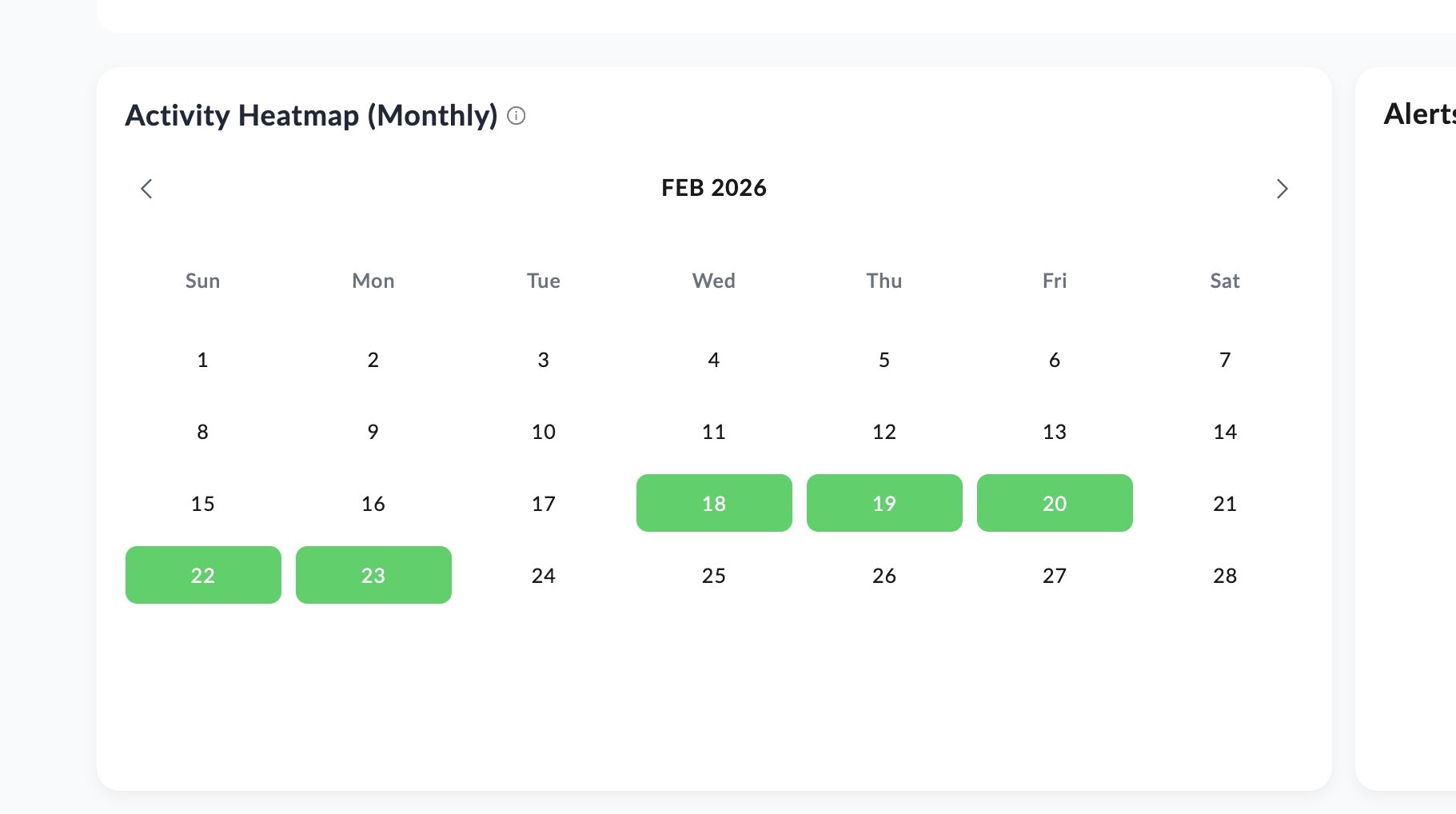
Click arrows to navigate to preferred month.
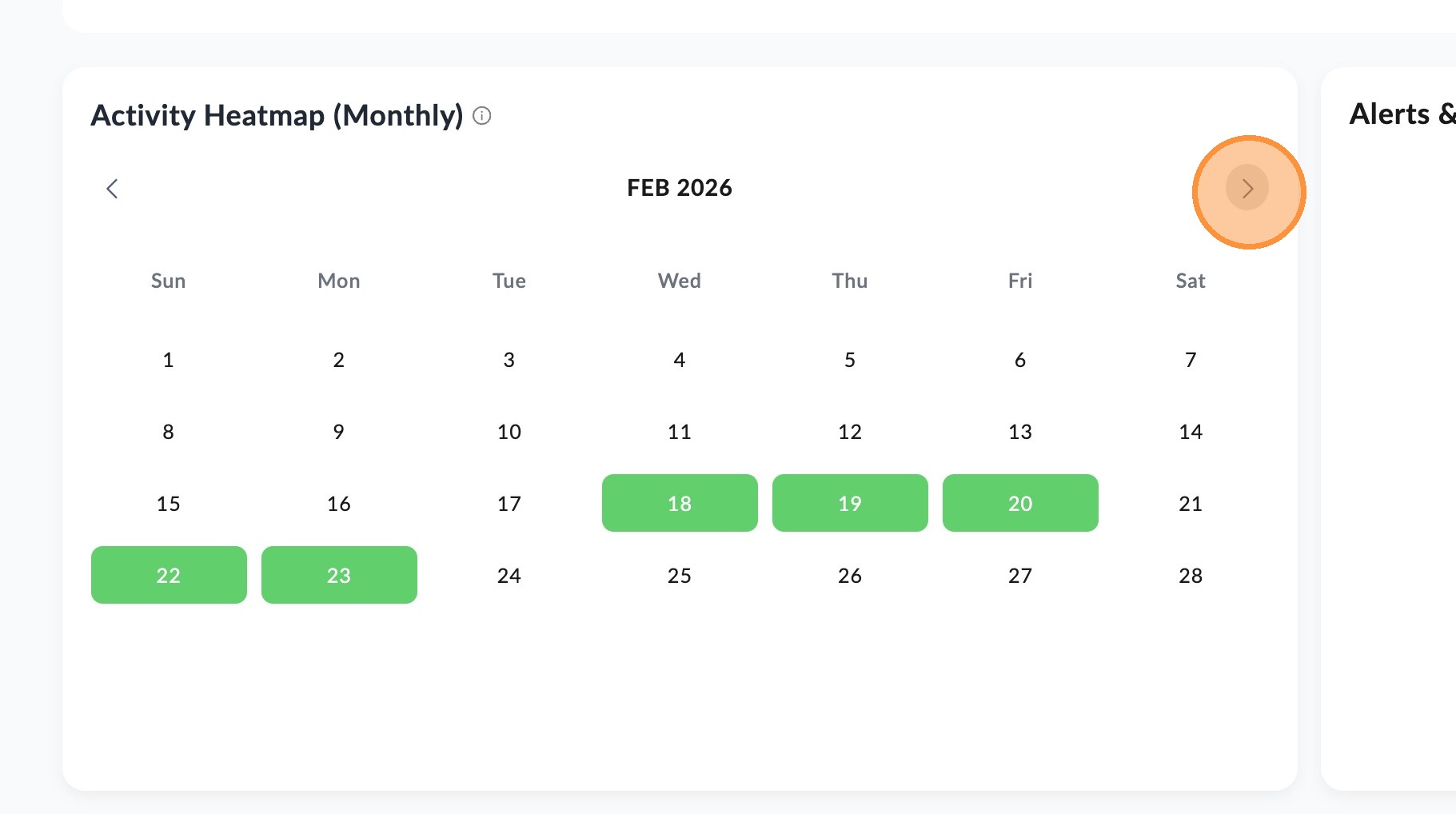
Hover over a specific date to view a sample of your child's activity for that day. Use the activity calendar tool above to see more specific details for all assignments submitted per day. The heatmap tool is more of a way to see overall activity consistency across a whole month.
📋
End of guide
Now follow these steps in the other application.