Step-by-Step Guide
Parent: View Weekly Assignments
This guide shows you how to navigate to the Rise for Edu parent portal and view your child's weekly assignments. Learn how to access important academic information quickly and easily.
Navigate to www.riseforedu.com
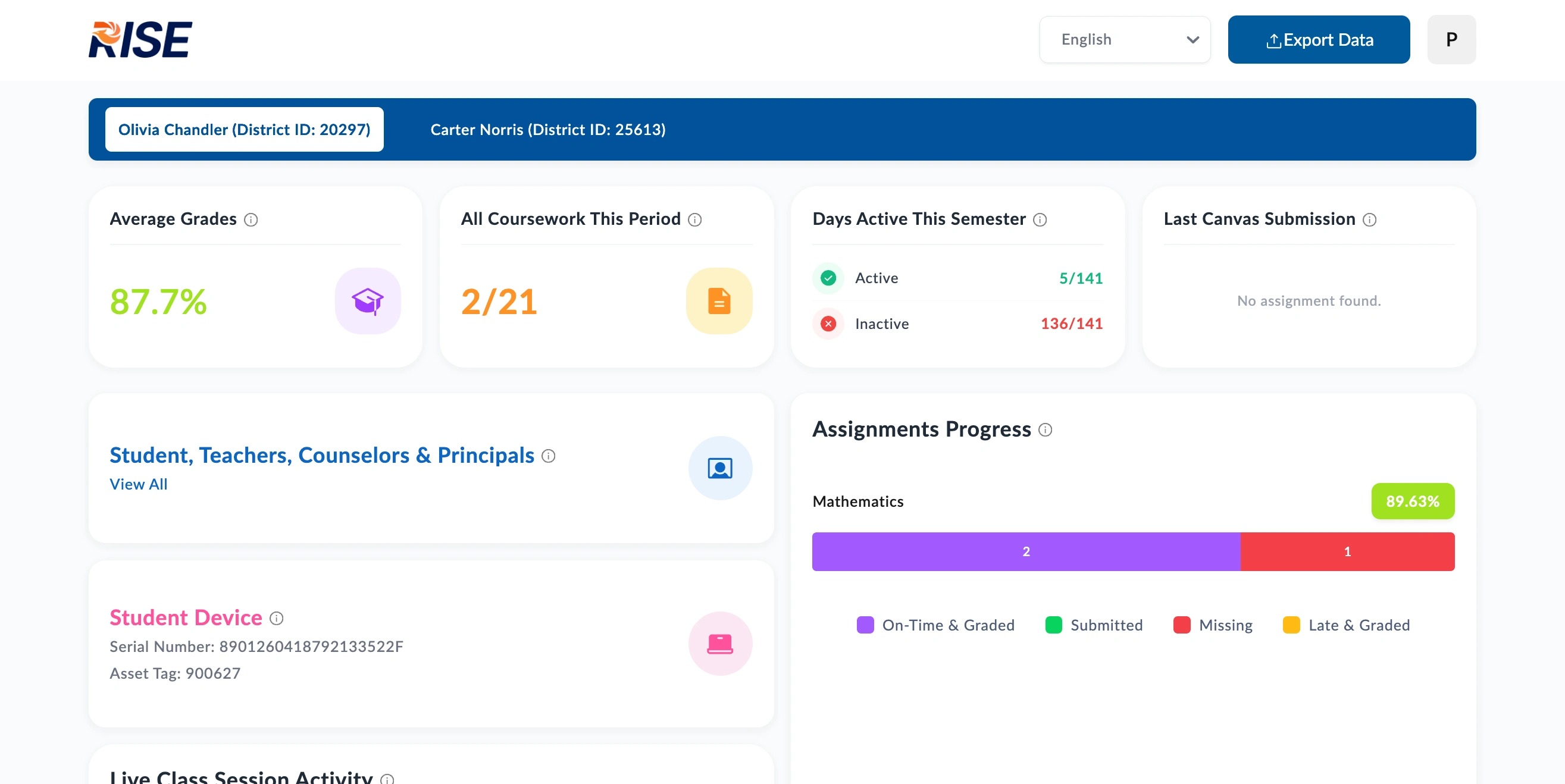
Scroll down to Weekly Assignments
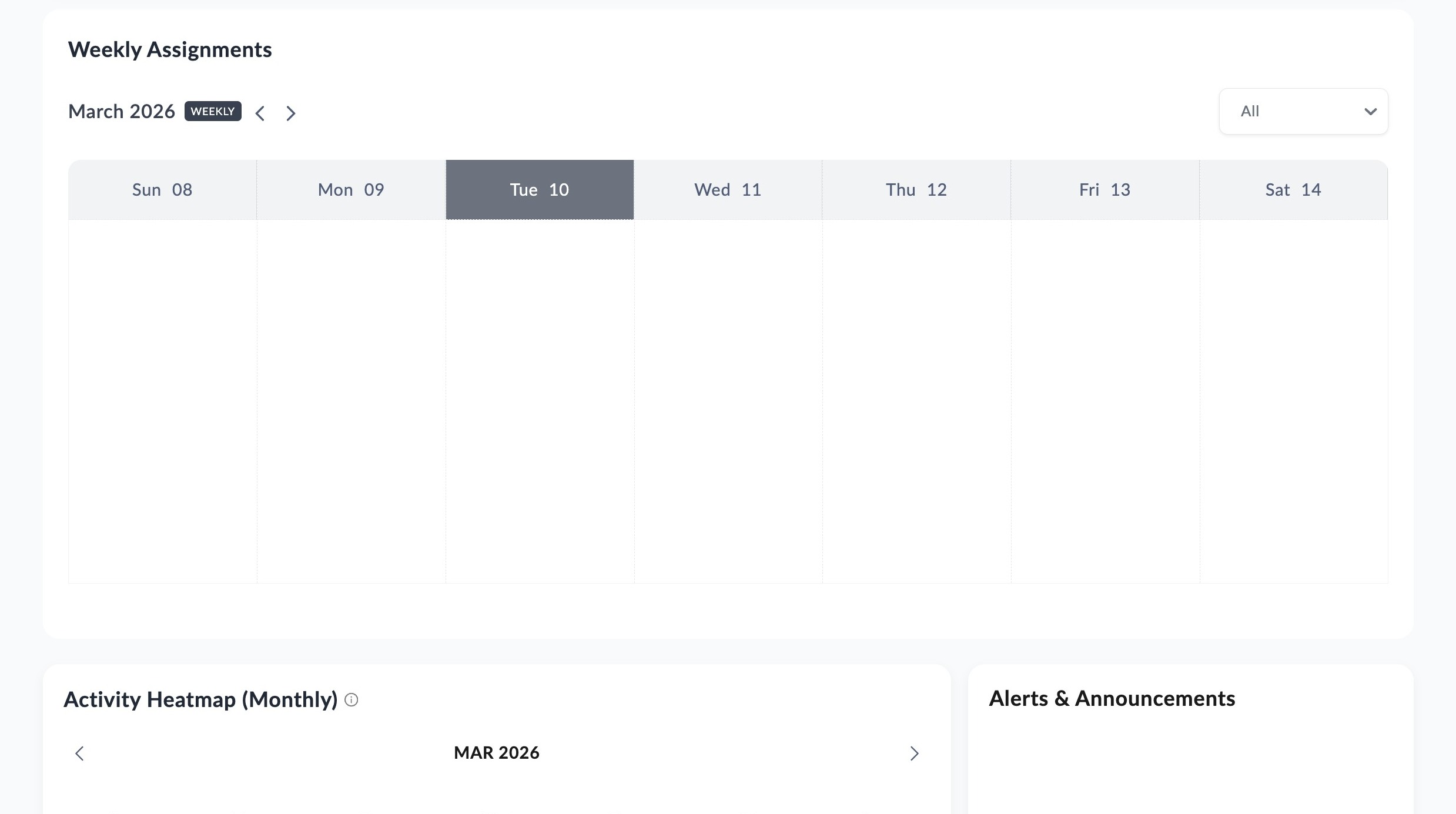
Click the arrows to navigate to your preferred week.
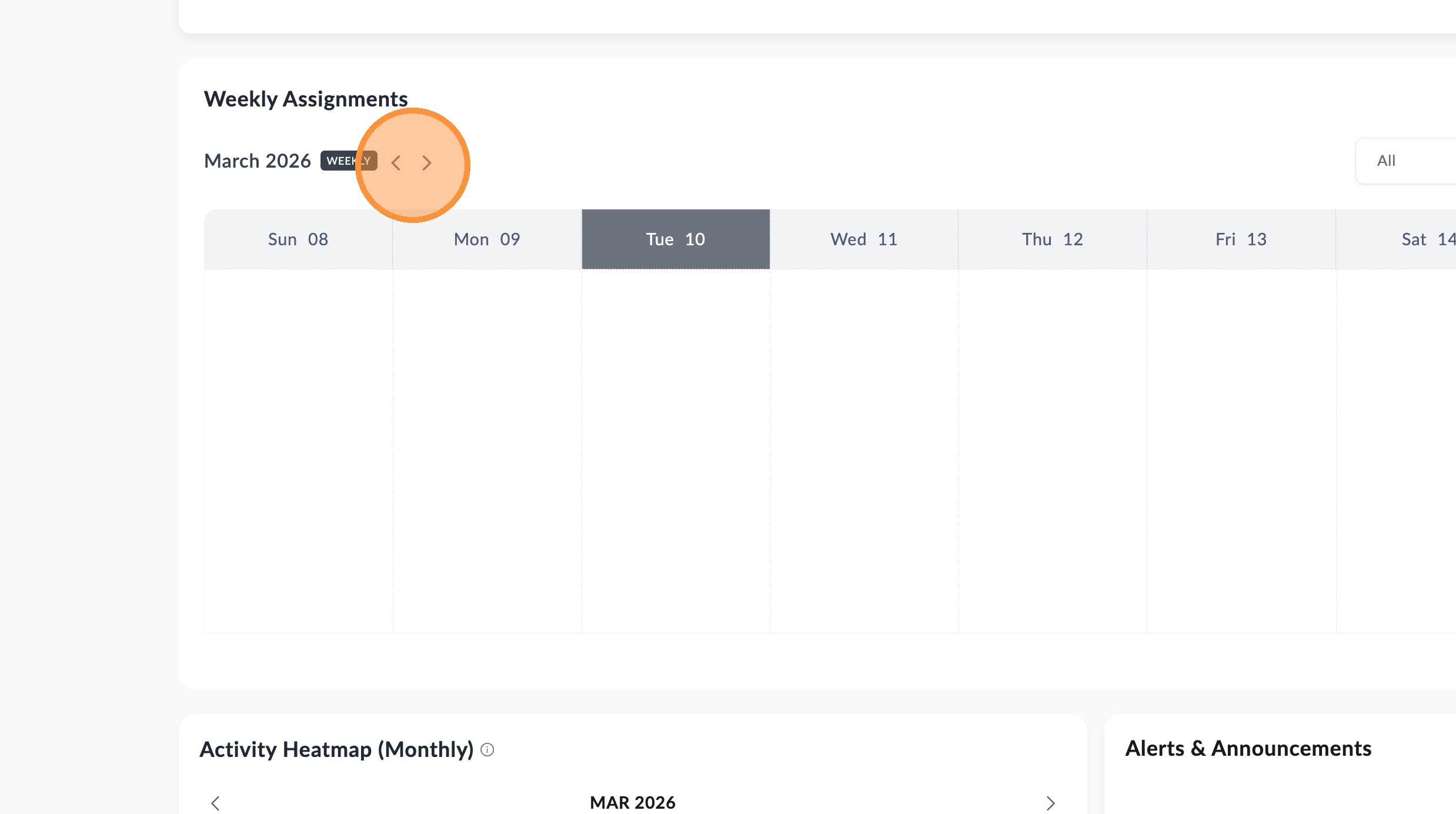
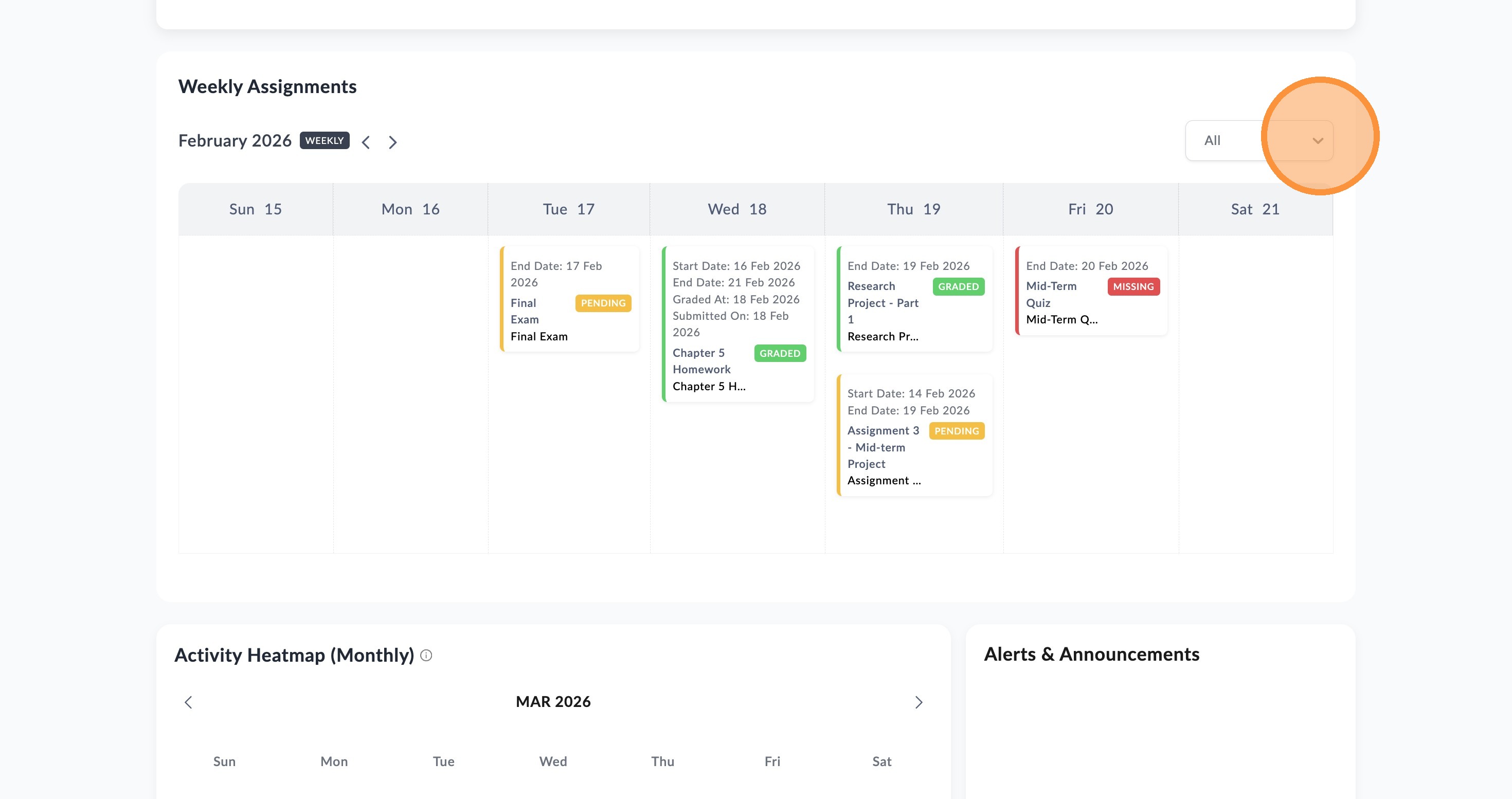
This section shows assignments based on the Due Date of the assignment, allowing you to see the assignments slated for the student over a given week so you can see what is upcoming to do, as well as past assignments and when they were due. Depending on your schools settings you may also be able to see if these assignments have been completed and graded.
You can use the drop down filter to change shown results as needed.
📋
End of guide
Now follow these steps in the other application.